Everything to know before sending a logo to print
Latest articles
-
 T-Shirt Design Size: Print Areas in Inches and Pixels
 -
 What Is a Mockup, and How Do You Make One for Your Logo?
 -
 Gold Color CMYK: Values, Hex Codes and When You Need Foil
 -
 Rich Black CMYK: Values to Use and When to Stick With 100% K
 -
 Laser Engraving File: How to Prepare Your Logo
 -
 Logo Vectorization Cost: What You'll Pay, Option by Option
 Guide
Guide Prepare a Logo for Print: The Complete 7-Point Checklist
File format, size, colors, background, fonts, extra versions, a zoom check: the 7 things your printer will look at anyway, sorted before you send.
4 min read · Read the guide →7 articles on this topic
- T-Shirt Design Size: Print Areas in Inches and Pixels 4 MIN
- What Is a Mockup, and How Do You Make One for Your Logo? 5 MIN
- Gold Color CMYK: Values, Hex Codes and When You Need Foil 5 MIN
- Rich Black CMYK: Values to Use and When to Stick With 100% K 4 MIN
- Laser Engraving File: How to Prepare Your Logo 4 MIN
-
 Printer Rejected Your File? 8 Messages and How to Fix Them 5 MIN
 -
 Start a Clothing Brand: 6 Steps, 3 Ways to Produce 4 MIN
 Guide
Guide Unpixelate an Image Online for Free: Photo or Logo
Pixelated photo or logo? An AI upscaler for one, vectorizing for the other: the free online options, and what no tool can bring back.
5 min read · Read the guide →5 articles on this topic
-
 Fix a Pixelated Logo: Vectorize It, Don't Upscale It 4 MIN
 -
 Sharpen an Image for Free: Online, Phone or Photoshop 3 MIN
 -
 Unblur an Image: What AI Can Fix, and What It Makes Up 3 MIN
 -
 Upscale an Image Without Losing Quality: 2x, 4x or More? 3 MIN
 -
 High Resolution Logo: What It Means and How to Get One 4 MIN
 Guide
Guide Vectorization Software: Which One to Pick, and When
Inkscape, Illustrator, CorelDRAW, Vector Magic or a free online tool: what each costs, the menu to use, and when a converter is better.
3 min read · Read the guide →7 articles on this topic
-
 AI Vectorizer: What It Fixes, and What It Makes Up 3 MIN
 -
 Vector Magic Free? 3 Alternatives That Give You the File 2 MIN
 -
 Canva SVG: Export, Vectorify and the PDF Logo Trap 3 MIN
 -
 Illustrator Image Trace: Step by Step for a Clean Logo 3 MIN
 -
 Inkscape Trace Bitmap: Best Settings for a Clean Logo 3 MIN
 -
 Vectorize in Photoshop: The Path Method and Its Limits 3 MIN
 -
 Online Vector Drawing: 6 Free Editors, Nothing to Install 3 MIN
 Guide
Guide Vectorize an Image: The Free 3-Step Method, No Software
Free, in about ten seconds, nothing to install: the 3-step method, how to check the result zoomed in, and when vectorizing isn't enough.
3 min read · Read the guide →14 articles on this topic
- Logo Vectorization Cost: What You'll Pay, Option by Option 4 MIN
-
 Convert Text to Outlines: The Command in Every App 3 MIN
 -
 PDF to Vector: Convert a PDF to SVG the Right Way 3 MIN
 -
 Photo to Vector: What You Really Get and Which Free Tools to Use 3 MIN
 -
 Remove Background From a Logo Without Fuzzy Edges 3 MIN
 -
 Redraw or Recreate a Logo: When to Pay a Designer 3 MIN
 -
 Vectorize a Drawing: From Paper Sketch to Clean SVG 4 MIN
 -
 Why Is My Logo Blurry When Printed? Test and Fix 3 MIN
 -
 Improve Logo Quality: The Right Tool for Each Problem 4 MIN
 -
 Convert Image to SVG for Free (and Avoid Fake SVGs) 3 MIN
 -
 Pixel Art Logo: Make One in 4 Easy Steps and Print It Sharp 3 MIN
 -
 PNG to Vector: Convert PNG to SVG, Keep Transparency 3 MIN
 -
 Vectorize a Logo for Free: The 10-Second Method 3 MIN
 -
 Vectorize Online: Pick a Free Tool Without the Traps 3 MIN
 Guide
Guide Vector File: What It Is, Which Format, How to Get One
What your printer means by "vector", the SVG, PDF, EPS and AI formats, how to check your own file, and how to get one for free.
4 min read · Read the guide →31 articles on this topic
-
 Logo File Formats: Which File to Use for Each Job 3 MIN
 -
 Monochrome Logo: How to Make a One-Color Version 3 MIN
 -
 Vectorize Meaning: What It Means for a Logo, in Math and AI 3 MIN
 -
 Custom Embroidered Hoodies: Style, Placement and Logo File 4 MIN
 -
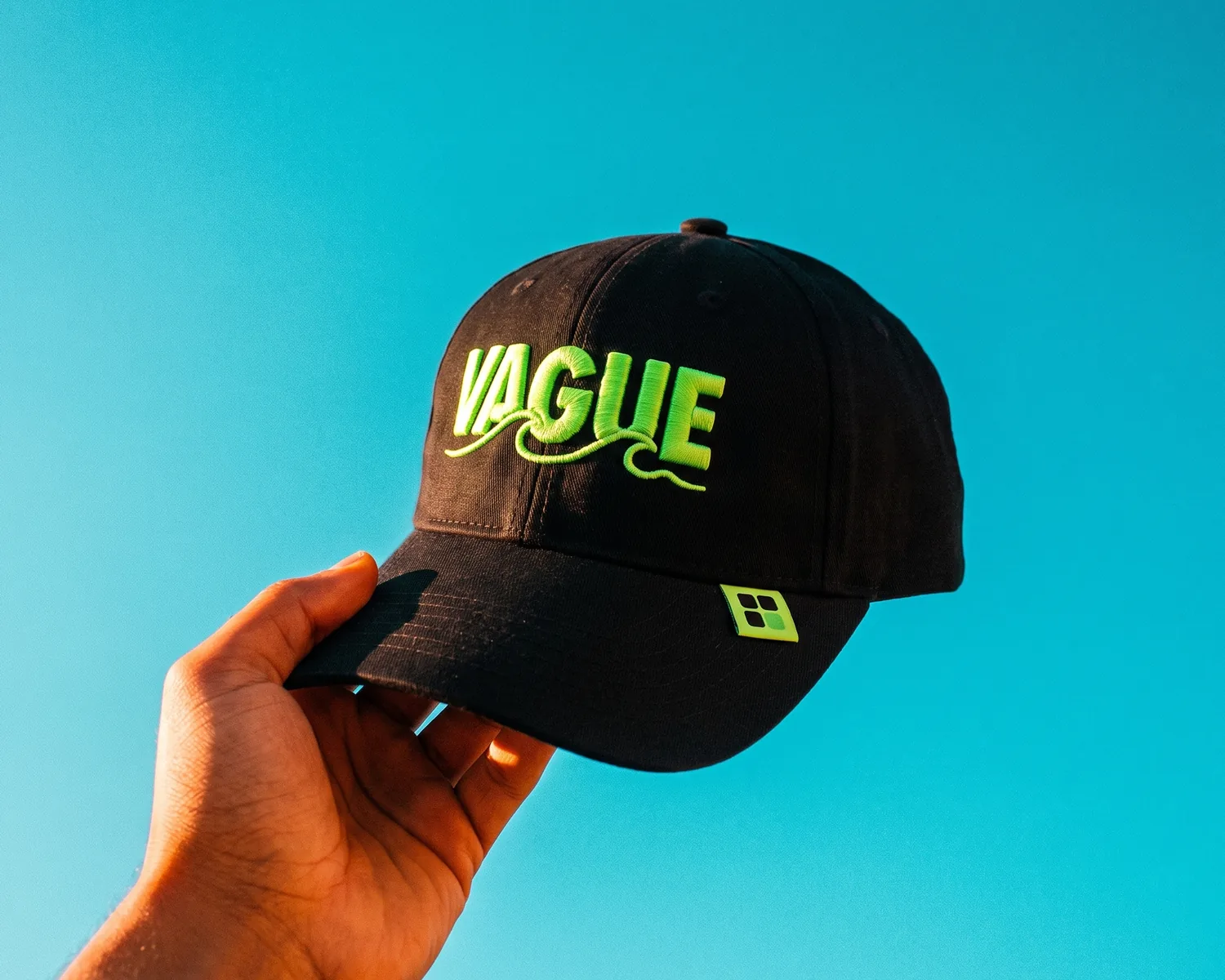 Custom Embroidered Hats: Style, Logo Size and the Right File 3 MIN
 -
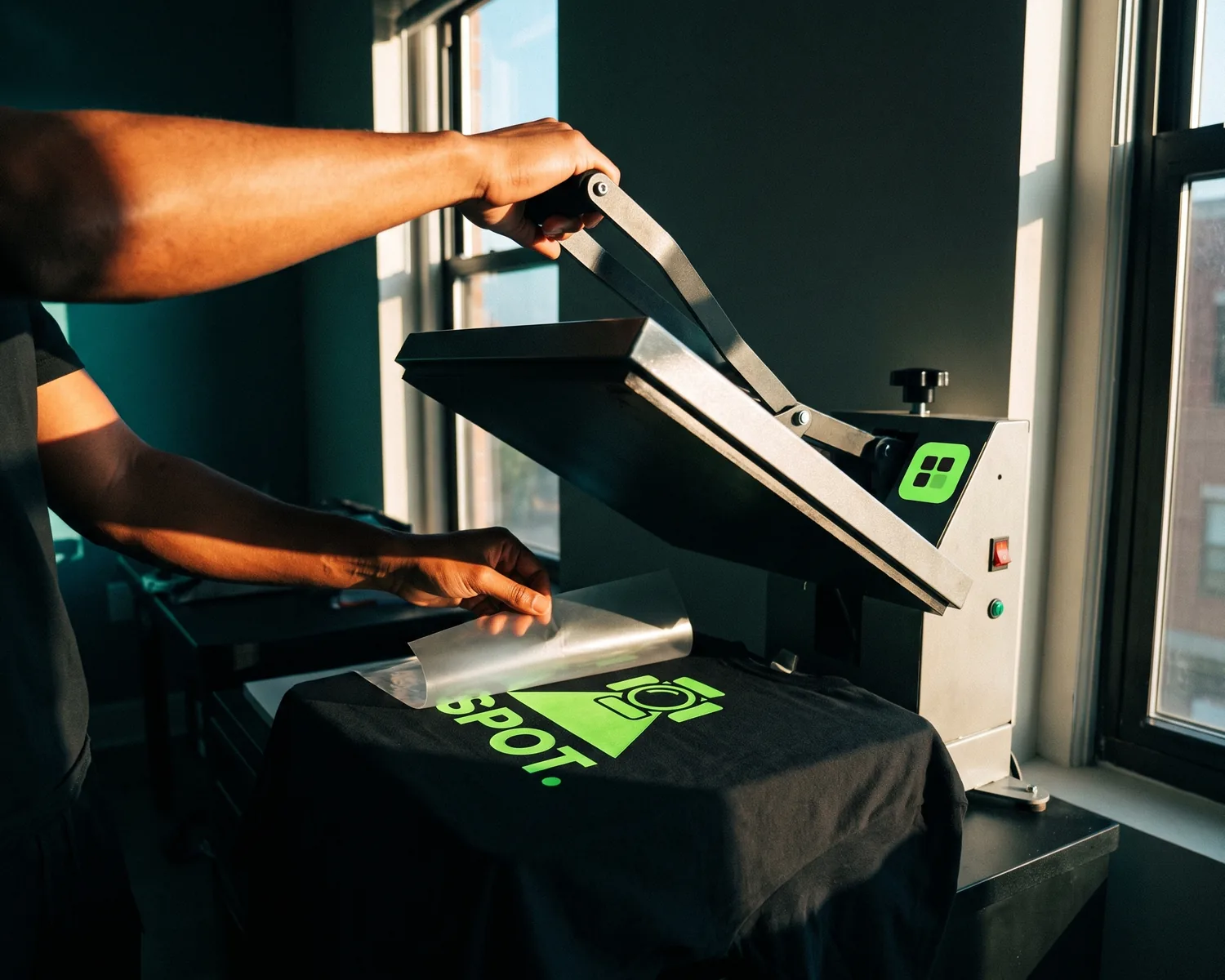 Heat Transfer Vinyl Shirts: Files, Pressing and Pitfalls 3 MIN
 -
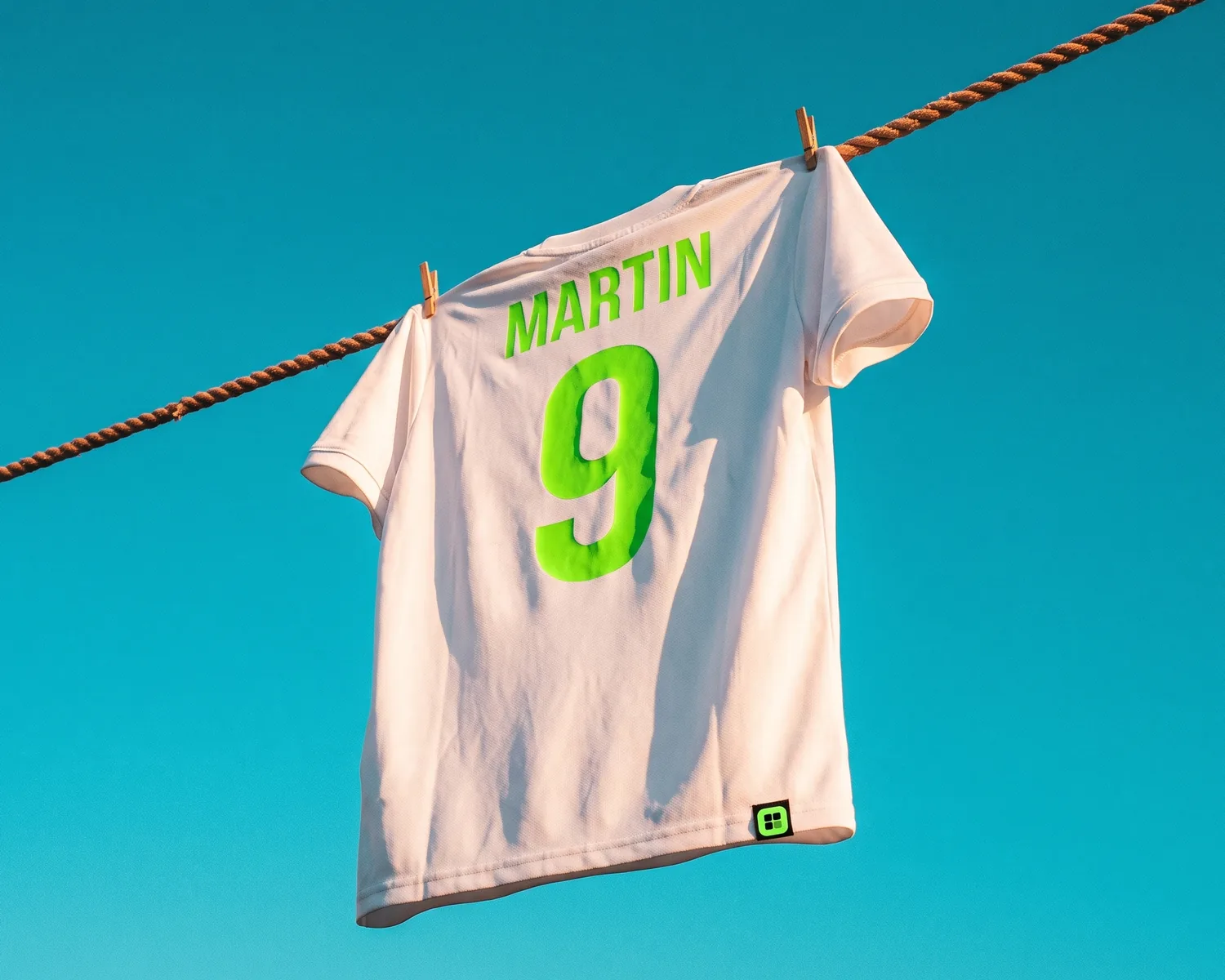 Custom Jersey Printing: Names, Numbers and the Logo File 3 MIN
 -
 Edit an SVG File: Colors, Background and Text, Step by Step 4 MIN
 -
 How to Open an EPS File for Free on Windows or Mac? 3 MIN
 -
 Iron-On Logo: Custom Transfers You Apply at Home 3 MIN
 -
 Logo Embroidery: Colors, Minimum Size and the File to Send 3 MIN
 -
 Logo Sign: Which Type to Choose and What File to Send 3 MIN
 -
 Photo to Embroidery: Cross-Stitch Pattern or Machine File 3 MIN
 -
 Screen Printing a Logo: Colors, Screens and the Right File 3 MIN
 -
 CMYK vs RGB: Which Color Mode Should Your Logo Use? 3 MIN
 -
 How to Open an SVG File on Windows, Mac, iPhone, Android 3 MIN
 -
 JPG vs PNG for a Logo: Which Is Better, and When? 3 MIN
 -
 Pantone Color for a Logo: How to Find It, When You Need It 4 MIN
 -
 SVG vs EPS vs PDF: Which File Should Your Printer Get? 3 MIN
 -
 300 DPI in Pixels: Meaning and Size Chart for Print 3 MIN
 -
 DXF File: What It Is, How to Open It, How to Make One 3 MIN
 -
 What Is a Vector Logo, and Is Yours One? 3 MIN
 -
 What Is an EPS File? Meaning, Vector or Not, How to Open 3 MIN
 -
 White Logo on a Dark Background: Make the Negative Version 3 MIN
 -
 What Is an AI File? Is It Vector, and How to Open It Free 3 MIN
 -
 SVG File Meaning: What It Is, Uses and Pitfalls 3 MIN
 -
 Custom Embroidered Jackets: What to Know Before You Order 3 MIN
 -
 Custom Embroidered Patches: What to Decide Before You Order 3 MIN
 -
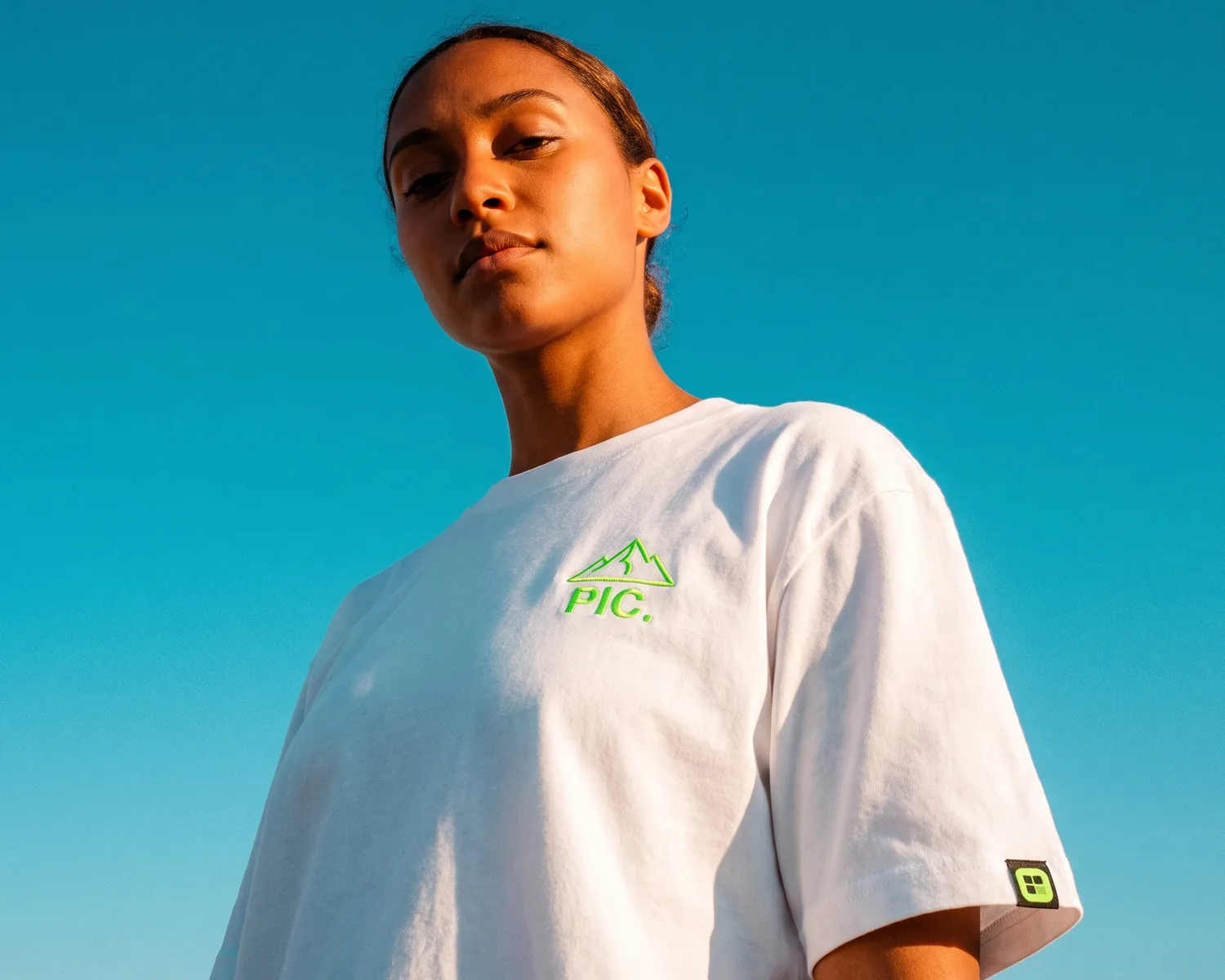 Custom Embroidered T-Shirt: Fabric, Logo Size, File 3 MIN
 -
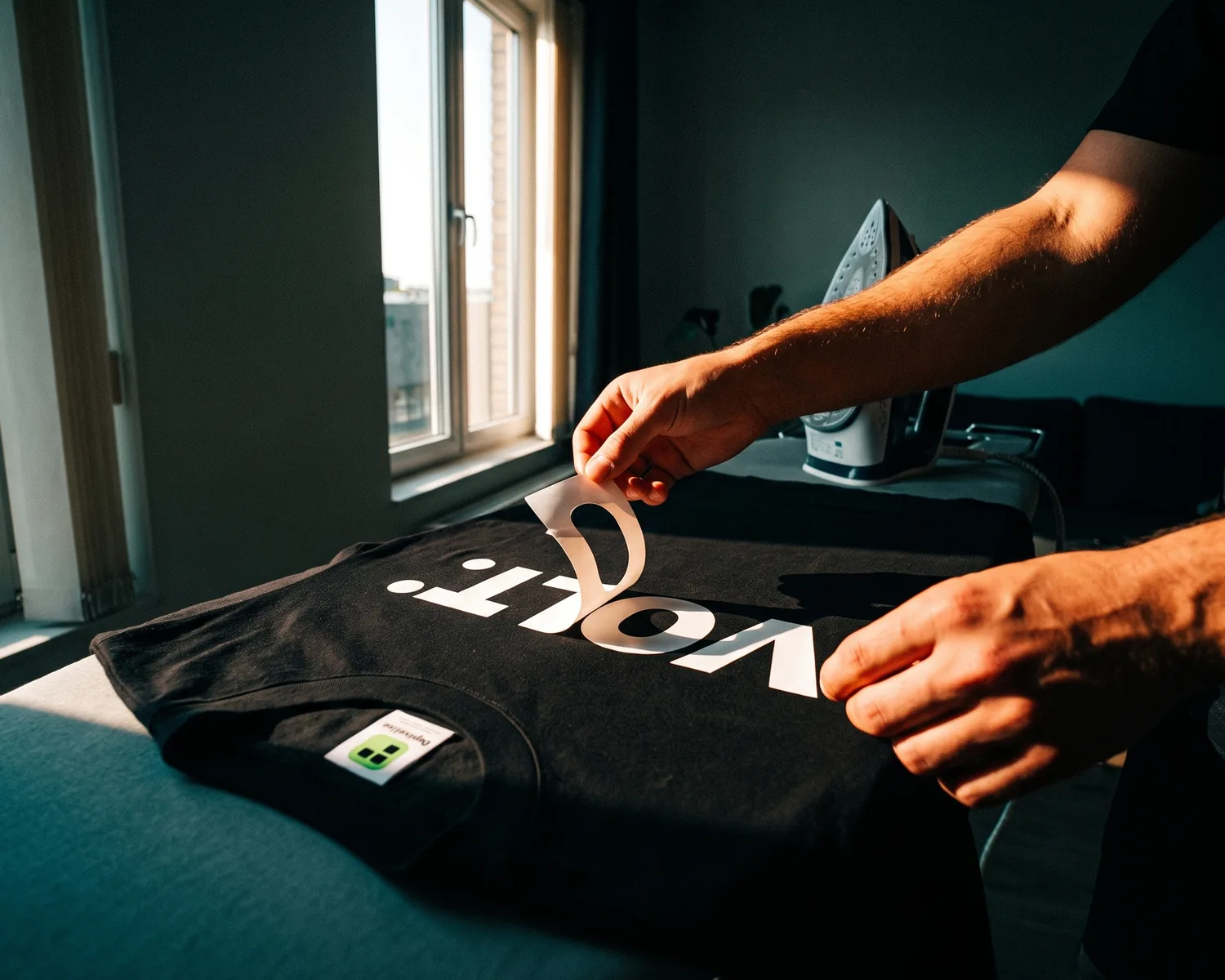 Remove Vinyl From a Shirt: Iron, Hair Dryer or Alcohol 3 MIN
 -
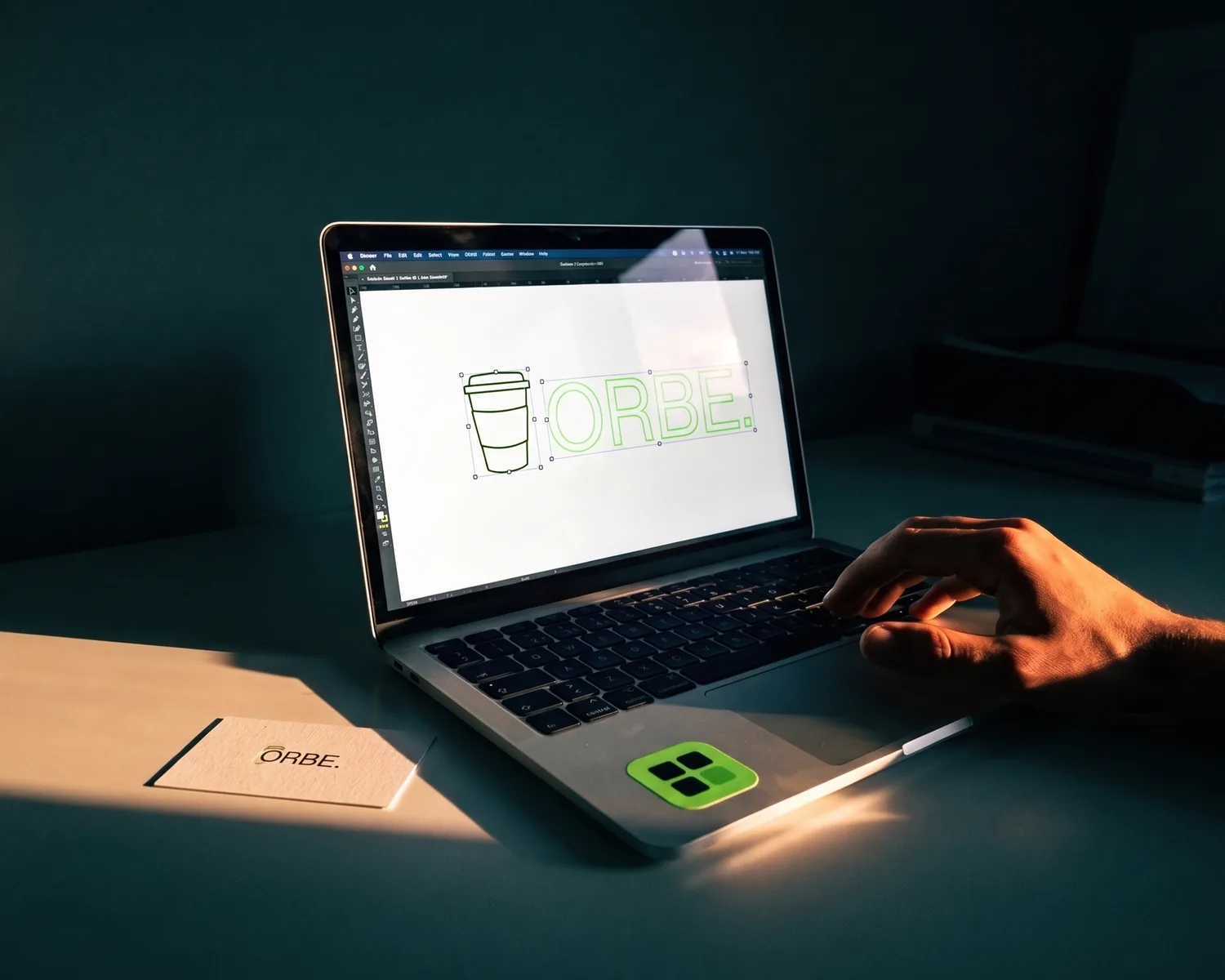 Vector Image: What It Is, Examples and How to Spot One 3 MIN
Is your logo a JPG?
Turn it into a sharp vector now, for free, in ten seconds.