Online Vector Drawing: 6 Free Editors, Nothing to Install
Vectr, Method Draw, Vectorpea, Graphite: where to draw vectors in your browser, how to export a clean SVG, and when you shouldn't draw at all.
By Gaël Pons
Published
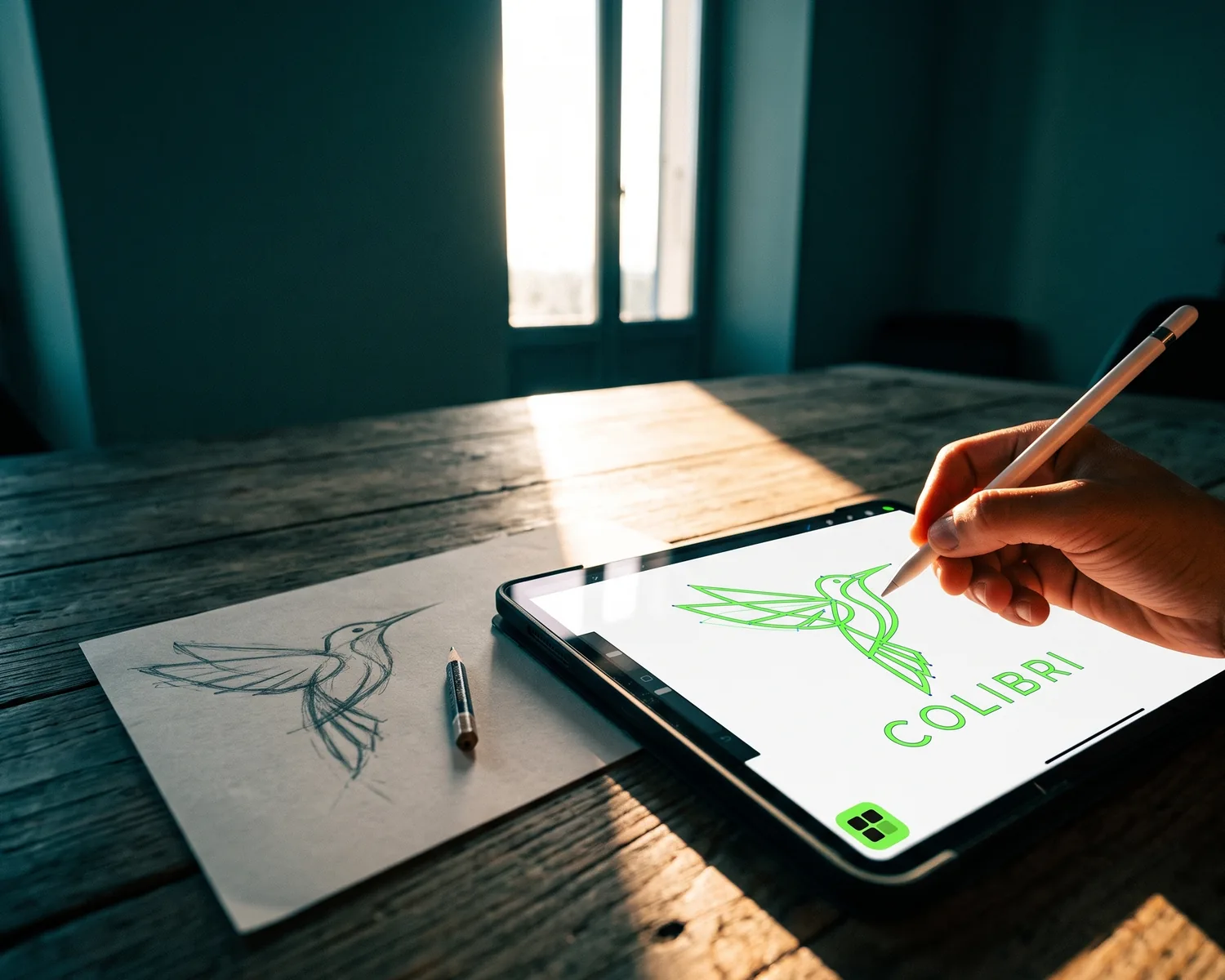
For online vector drawing, a browser-based editor is all you need: Vectr, Method Draw, Vectorpea and Graphite let you draw shapes and export an SVG without installing anything. But if your logo already exists, on paper or as a JPG, don’t redraw it: convert it.
What is a vector drawing?
A vector drawing is artwork described as shapes, lines and solid fills instead of a grid of tiny colored dots, which is why it prints sharp at any size. The file doesn’t store a picture of the drawing; it stores the instructions to draw it again, and the computer redraws it every time you scale it up.
That’s why printers, embroiderers and engravers keep asking for one. The most common format is SVG, and our guide on what a vector image is covers the others.
Do you need to draw, or to convert?
You need to draw only when the artwork doesn’t exist yet; if it already exists as a sketch, a JPG or a photo, you need to convert it, and the two jobs call for different tools.
- Drawing: you start from a blank canvas to create an icon, a symbol or an illustration. You need a vector editor, and some time to learn it.
- Converting: the artwork already exists (a sketch, a logo saved as a JPG, a photo of a poster) and you need it as shapes. A converter does that automatically.
Here’s a reliable clue: if a print shop asked you for “a vector,” nobody expects new artwork from you. They expect a file. Both kinds of tools are compared in our guide to vectorization software.
Which free online vector drawing tools are worth trying?
Six vector editors open straight in your browser with free access: Vectr, Method Draw, Vectorpea, Graphite, Vector Ink and Canva. They suit different people and stop at different limits.
| Editor | Best for | Good to know |
|---|---|---|
| Vectr | Beginners | Clean interface, shapes, text and a basic pen tool |
| Method Draw | Quick, small jobs | Open source and minimal, no sign-up needed |
| Vectorpea | People who want full menus | Feels like classic desktop software, free with ads |
| Graphite | The curious | Open source and ambitious, still in active development |
| Vector Ink | More advanced work | Precise pen tool; some features require a subscription |
| Canva | People already using it | Good for arranging shapes, SVG download is a paid feature |
All of them export SVG. On a busy drawing with many shapes and effects, a browser editor can start to lag, and desktop software wins: Inkscape is free and runs on Windows, Mac and Linux.
How do you make a vector drawing online, step by step?
A vector drawing comes together in five moves, whichever of these editors you pick.
- Set the canvas size first, in pixels or inches depending on the editor.
- Start with simple shapes: rectangles, circles, polygons. A strong logo often fits in three or four of them.
- Use the pen tool for curves: each click adds a point, and click-and-drag bends the line. Fewer points give a smoother outline.
- Turn text into shapes (often called “convert to path” or “outline text”): your printer may not have your font.
- Export as SVG, plus a PDF if the shop asks for one, and keep an editable copy for yourself.
Can you turn a paper sketch into a vector drawing?
Yes, a paper sketch becomes a vector drawing without being redrawn: scan it or photograph it flat, then let a converter rebuild its shapes. Redrawing it point by point in an editor takes an evening and usually loses the feel of the original line. Bold marker on white paper converts best; faint pencil needs more contrast first. The full method is in our guide to vectorizing an image.
Can an online editor replace Illustrator?
An online vector editor can replace Illustrator for an icon, a symbol or a logo made of simple shapes. It can’t for detailed illustration, page layout or precise print color work, where desktop software is more stable and better equipped. Illustrator also has a built-in tool that converts an image to shapes automatically, which browser editors usually lack.
Is Canva a vector drawing tool?
Canva lets you arrange shapes and text that stay vector, but it isn’t a drawing editor: fine-tuning a single curve is awkward, and downloading as SVG requires a paid plan. It’s handy for layouts, less so for drawing a logo from scratch.
Got a sketch, a flyer or an old JPG? Convert it as it is
Real-world logos rarely arrive as clean files: it’s a marker sketch run through a scanner, a phone photo of a flyer, or a JPG buried in an email from years ago. Depixelise takes those files as they are, as PNG, JPG, WebP or SVG up to 10 MB: it removes the background and rebuilds the shapes in about ten seconds. You see the full-size preview on screen, zoom included. You get four files by email: the SVG, a PNG with the background removed, a one-color file and a white negative for dark fabrics. No sign-up, nothing stamped on the result, and it’s 100% free. A tiny or blurry source gets upscaled before it’s redrawn, so check the details up close before you send the file to your printer.
FAQ
Can you draw vectors on a tablet or a phone?
Yes, online vector editors like Vectr or Method Draw run in a tablet’s browser, and a stylus makes the pen tool far easier than a finger. A phone screen is too small to place points precisely: keep it for quick fixes, not a whole drawing.
Do you need an account to draw vectors online?
Not always: Method Draw, Vectorpea and Graphite open without signing up. Other editors ask for an account to save projects in the cloud. Without one, export your SVG before you close the tab.
What happens if you import a JPG into a vector editor?
The JPG stays a pixel image sitting inside the file: exporting it as SVG doesn’t make it vector. You either redraw over it or run the image through a converter.
Will an embroiderer or engraver accept a drawing made online?
Yes, an embroiderer or engraver will accept a drawing made online if it’s made of closed shapes, with few colors and text turned into shapes. An embroiderer uses your SVG to build their own machine file; an engraver can often use it as is.
What’s the difference between a vector editor and a converter?
A vector editor lets you draw every shape by hand; a converter builds those shapes automatically from an existing image. The first takes time and some practice, the second just needs a decent starting image.