Heat Transfer Vinyl Shirts: Files, Pressing and Pitfalls
HTV shirts are cut vinyl heat-pressed onto fabric. Which logos work, which file the shop needs, and why a white background ruins the print.
By Gaël Pons
Published , updated
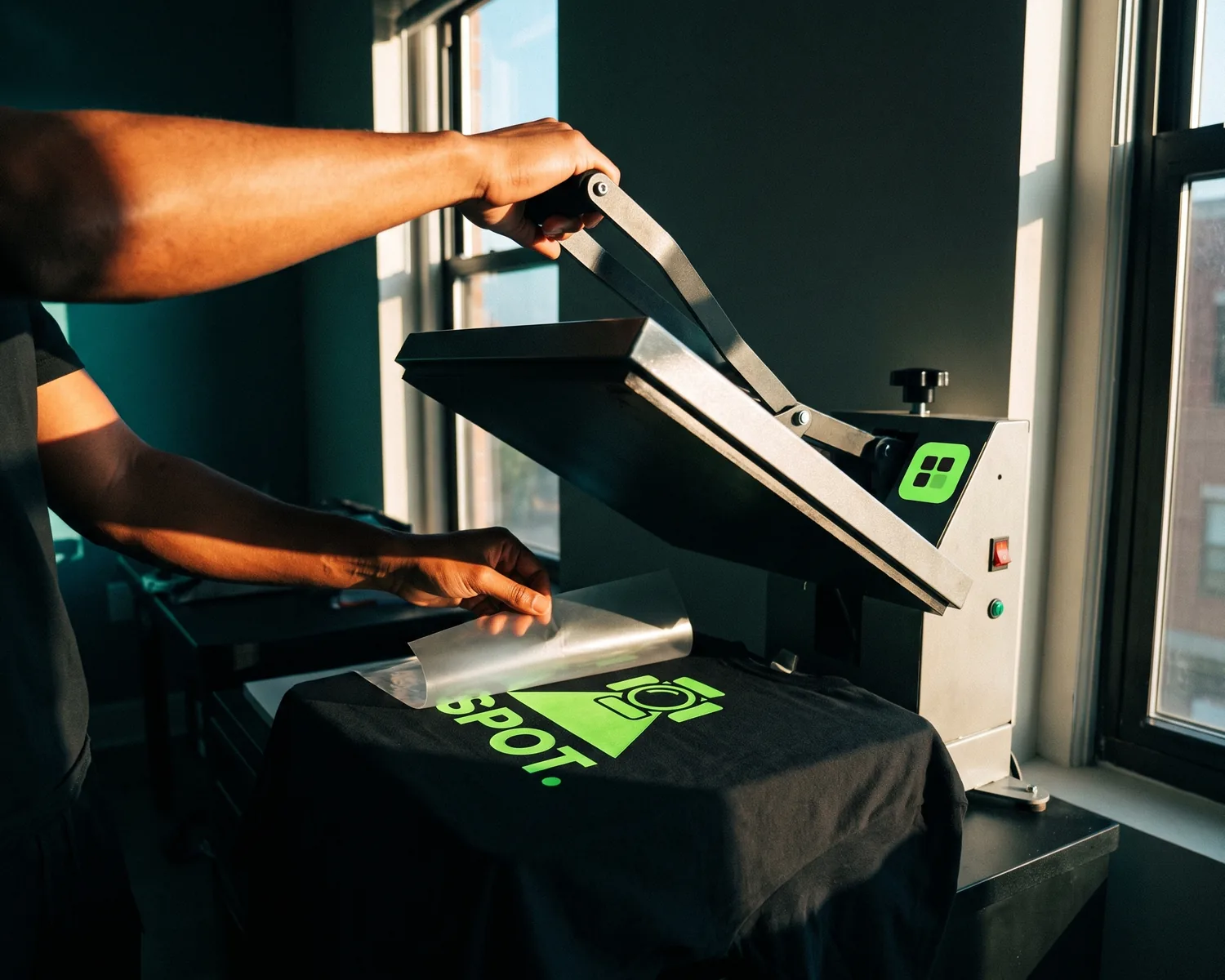
Heat transfer vinyl shirts are made by cutting a logo out of colored vinyl, then bonding it to the fabric with a heat press. It suits text and logos in a few solid colors. Your print shop will want a vector file (shapes, not tiny colored squares) with no background.
What exactly is heat transfer vinyl?
Heat transfer vinyl (HTV) is a colored film with heat-activated glue on the back: a cutting machine follows the outline of your design, the excess is peeled away by hand, and a hot press melts the glue into the shirt. Standard HTV is smooth with a slight sheen. Flock HTV has a soft, fuzzy, velvet-like surface.
Every color in your logo is a separate layer of vinyl, cut on its own and pressed next to or on top of the others. Some shops also call DTF prints (a design printed on film, then heat-transferred) “transfers”, so when you compare quotes, ask which method you’re actually paying for.
HTV, DTF, screen printing or embroidery: which is right for a shirt?
For a shirt, heat transfer vinyl is the right pick for small runs of simple designs; a logo with gradients or many colors works better as DTF, and screen printing pays off on large orders.
| Method | Best for | Where it struggles |
|---|---|---|
| HTV (standard or flock) | Names, numbers, logos in a few flat colors, one shirt to a few dozen | Gradients, photos, hairline details |
| DTF | Full-color logos, gradients, short runs | Film-like feel on large solid areas |
| Screen printing | Big orders, bright colors | One screen to prepare per color |
| Embroidery | Polos, durable premium look | Small text, fine detail |
The color limits of a screen are covered in our screen printing logo guide, and getting artwork ready for a needle in logo embroidery. If what you want is a patch or label you apply yourself, that’s a different product: see the iron-on logo guide.
What kind of logo works well in vinyl?
A logo works well in heat transfer vinyl when it can be drawn in a handful of solid colors, without gradients or drop shadows. The blade cuts shapes, so every colored area needs a clean outline, and each extra color adds a layer: more thickness, more pressing time, and usually a higher quote.
Three warning signs before you order:
- very thin or very small letters, which tear when the excess vinyl is lifted off;
- a gradient or a shadow, which vinyl simply can’t reproduce (DTF can);
- a thin outline around the text, to thicken or remove.
If a detail looks fragile, ask the shop for the smallest size their cutter handles: it depends on the machine and the vinyl.
Which file do you need for a vinyl shirt?
For a vinyl shirt, send a vector file: SVG, vector PDF or EPS. The cutter needs outlines, and a JPG has none, only a grid of pixels, so the shop either redraws your logo (often for a fee) or cuts jagged, stair-stepped edges. How these formats differ is laid out in what a vector file is.
Check two things before sending. The background must be transparent. And the logo must exist in a color that shows up on the shirt you picked: a black logo on a black tee vanishes, so sort out the light version for dark backgrounds before ordering, not at the press.
Before any vinyl gets cut, also check the size and placement. Try your logo on a t-shirt in the mockup generator: pick the shirt color, then the left chest, center chest or back, and resize the logo until it looks right.
A logo with its background already gone, ready for the cutter
On Depixelise, you upload your logo as a JPG or PNG and get back an SVG with the background already stripped out. No white box is left around the artwork: the cutter would treat it as a shape, and it would show in the middle of a navy tee. Plenty of free converters leave that box behind; here, there’s nothing to erase by hand. It’s 100% free, you don’t sign up for anything, the SVG has no watermark, and the full-size preview shows up right on screen. The pack you receive also holds a see-through PNG, a single-color file and a white negative, the one you press onto dark fabric. If your starting logo is tiny, it gets enlarged and redrawn, so zoom in on the result before it goes to the shop.
How is vinyl pressed onto a shirt?
Vinyl is pressed onto a shirt in four steps: cutting the design in reverse, removing the excess, placing it on the fabric, and heat pressing.
- The design is cut mirrored, glue side up, so it reads correctly once flipped onto the shirt.
- The excess vinyl is picked off with a hook tool (this is called weeding): only the logo stays on its clear carrier sheet.
- The shirt is pre-pressed for a few seconds to drive out moisture, then the design is positioned.
- The press heats and clamps down. For a common vinyl like Siser EasyWeed, the manufacturer gives 305 °F (150 °C) for 10 to 15 seconds at medium pressure in its application instructions. Every vinyl has its own sheet, and that sheet is the one to follow.
A household iron is fine for a shirt or two on a hard, flat surface (the manufacturer advises against an ironing board), but the pressure is uneven, and that’s the most common reason corners lift.
How long do heat transfer vinyl shirts last?
Heat transfer vinyl shirts that were pressed properly hold up to many machine washes, as long as you treat them gently: turn the shirt inside out, wash warm or cool, air-dry it, and keep the iron off the vinyl itself. A design that peels after the first few washes almost always points to a press that was too short, too cool or too light, rarely to the shirt itself.
Where can you get vinyl shirts made?
You can get vinyl shirts made at a local print shop, on websites that print single shirts, or by pressing them yourself with a home cutting machine.
- A local print shop: you see the materials, talk the logo through in person, and they can move fast when the event is close.
- Print-on-demand websites: handy for one or two shirts, though they often use DTF rather than vinyl.
- Doing it yourself: a hobby cutter and a press handle short runs well, provided you start from a clean vector file.
For team names and numbers, the rules are different: see custom jersey printing.
FAQ
Can you get just one vinyl shirt made?
Yes, a single vinyl shirt can be made: vinyl cutting has no minimum, unlike screen printing, which has to cover the cost of its screens. The price per shirt is still higher than for a batch, because setting up the cutter takes the same time for one shirt as for twenty.
Standard HTV or flock: which should you choose?
Standard HTV covers almost every job: it’s thin, flexible and barely noticeable to the touch. Flock adds a soft raised texture that looks great on sweatshirts and retro numbers, but it doesn’t hold fine detail as well.
Does heat transfer vinyl work on polyester shirts?
Yes, with a vinyl made for polyester. On sublimated sports shirts, the dye in the fabric can bleed under heat and stain white vinyl: special blocker films stop that, so ask your shop for one.
How many colors can a vinyl design have?
A vinyl design can stack several colors, but each one is another layer of vinyl. With many colors the print gets thick and stiff and the quote climbs, which is when DTF becomes the more sensible option.
Can you press new vinyl over an old design?
Pressing new vinyl over an old design is not a good idea: the new layer bonds poorly to aged vinyl, and its edges give the old design away. Put the new logo on a blank area, or take the old one off first, as explained in how to remove vinyl from a shirt.