Vector Image: What It Is, Examples and How to Spot One
A picture made of shapes, not pixels: what that changes, common examples, how to spot one, and which file printers and embroiderers accept.
By Gaël Pons
Published , updated
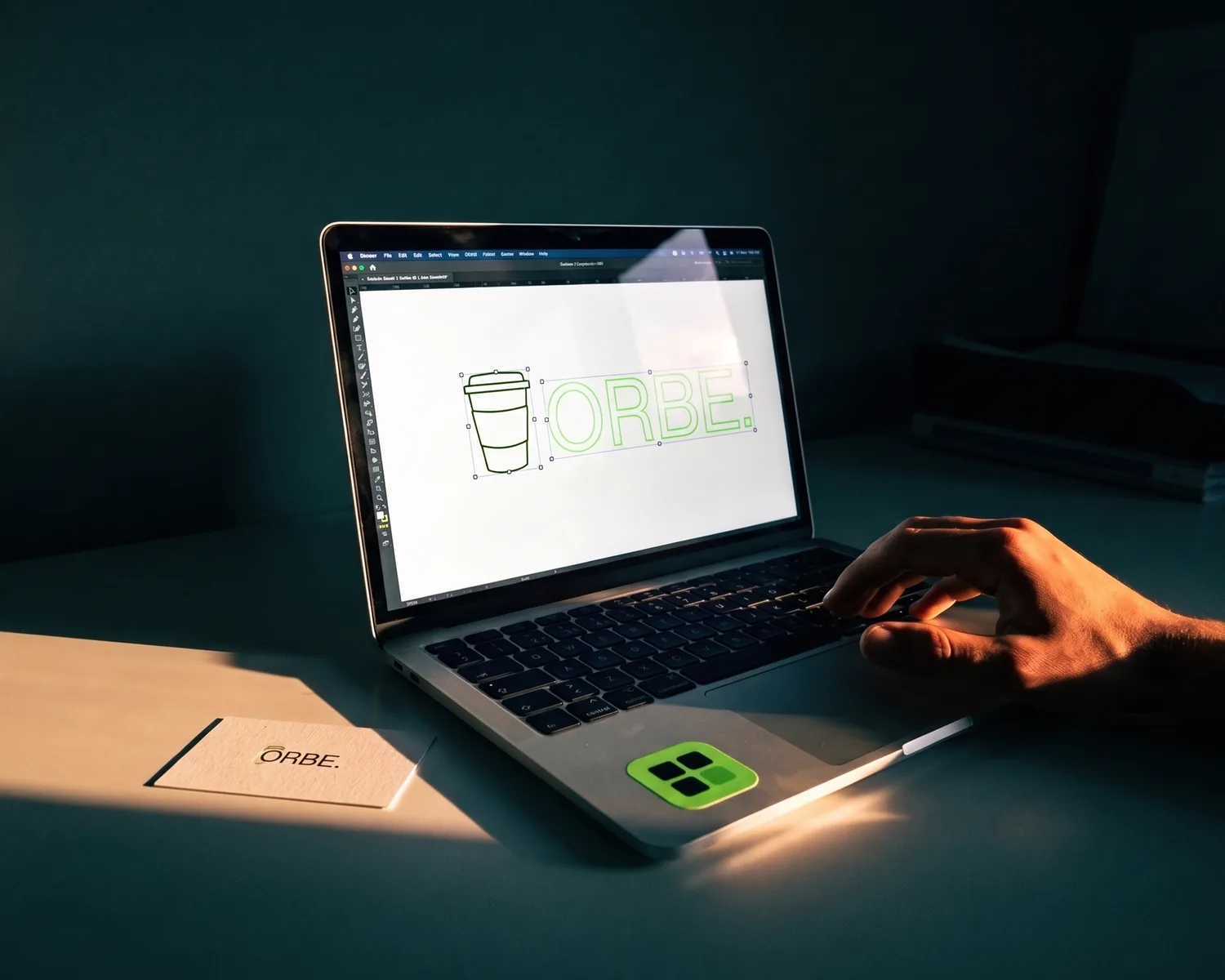
A vector image is a picture built from shapes (lines, curves, flat areas of color) instead of a grid of tiny colored squares, the pixels. So it stays sharp at any size. When a print shop asks for “a vector”, this is the file they mean.
What is a vector image, in plain terms?
A vector image is a file that stores drawing instructions instead of colored dots: “a circle this wide, at this spot, filled with green”. Every time it’s displayed, the computer reads those instructions again and redraws the picture at the size you need. Nothing gets stretched; everything is recalculated.
That’s where the name comes from: each shape is defined by points joined by lines or curves, “vectors” in the math sense. You don’t need the math. Just remember that a vector image is described, while a photo is recorded dot by dot.
What’s the difference between a vector image and a raster image?
A vector image is made of shapes, a raster image of a grid of pixels, and everything else follows from that. A raster image (also called a bitmap) is what your phone camera produces, and what every JPG and PNG is; enlarge it, and each square grows until the edges look like stairs.
| Raster image | Vector image | |
|---|---|---|
| Made of | Pixels | Shapes and curves |
| Common formats | JPG, PNG, WebP, GIF | SVG, EPS, AI, vector PDF |
| When enlarged | Turns blurry | Stays sharp |
| Best for | Photos, subtle shading | Logos, icons, lettering, plans |
| Editing | Pixel by pixel | Shape by shape |
In Photoshop or Illustrator, you can also make the opposite trip and flatten shapes into pixels. There’s no way back, so always keep a vector copy of your logo somewhere safe.
What is a vector image used for?
A vector image is used for anything that changes size or goes into production: logos, signs, embroidery, engraving, vinyl cutting, screen printing. Shop machines follow outlines; they can’t do anything with a mosaic of pixels. That’s the real reason your printer keeps asking for one.
Vectors are just as useful on screen: icons, website logos, maps and charts stay crisp on a phone and on a big monitor alike. Most fonts are vectors too: each letter is stored as an outline, which is why text stays sharp however far you zoom.
What are the pros and cons of vector images?
Vector images have three big strengths: they stay sharp at any size, the files are often small, and every shape can be edited or recolored on its own. A vector logo can become all white for a dark background, or a single color for a rubber stamp, without redrawing anything.
Their weak spot is photography. Skin, leaves or a cloudy sky need millions of shades that no set of shapes can match. A photo converted to vector turns into a flat-color poster, sometimes great looking, but it’s no longer the photo. If your real problem is a blurry or blocky photo, see how to unpixelate an image instead.
What are the common vector file formats?
The most common vector file formats are SVG, vector PDF, EPS and Adobe Illustrator’s AI. SVG is the open web standard and opens in any browser; EPS and AI are mostly designer formats, still requested by some shops out of habit. A PDF is a container: it can hold real vector shapes or just a pasted-in photo.
That’s the catch with file extensions. A file ending in .pdf, or even .svg, can still hide a plain pixel image inside, so the extension alone proves nothing.
How can you tell if an image is a vector?
To tell if an image is a vector, open it and zoom in as far as you can on the edge of a letter or a curve. If you see stair steps or blur, it’s pixels. If the edge stays smooth at 400% just like at 100%, it’s a vector image.
A second clue, in any drawing app: a vector image can be selected shape by shape, while a raster image is selected as one single block, like a photo.
What do you do when you’re asked for a vector file?
When you’re asked for a vector file, first ask whoever designed your logo for the original: an .ai, .eps, .svg or PDF they delivered back then. If it’s gone, you convert the image you have: vectorizing redraws its shapes from the pixels. The full method, and how to check the result, is in our guide to vectorize an image.
To build a vector image from scratch (an icon, a simple drawing), a drawing editor is the better fit: see our roundup of tools for online vector drawing. And if you’re weighing desktop programs, our vectorization software comparison sorts them by what they’re actually for.
Which vector file should you send to your printer or embroiderer?
The vector file to send a printer, embroiderer or engraver is almost always a clean SVG: it’s the format most shops open without a fuss. Keep a transparent PNG next to it for everything else, like your website, social media or a Word document.
Depixelise turns the logo you already have into exactly that SVG and PNG pair. Your logo can come in as a PNG, a JPG, a WebP or even an SVG, weighing up to 10 MB. The vector version shows up full size, and zooming in lets you inspect the edges. Four files arrive in your inbox: the SVG itself, its PNG twin at 2000 px wide on a see-through background, a one-color copy for stamps and embroidery, and a light-on-dark version for black shirts. Nothing to pay at any point (it’s 100% free), no sign-up, and no watermark stamped on the result. A very small starting image gets upscaled and its shapes rebuilt, so compare it with the original before you send it off.
FAQ
Does a vector image have a resolution or DPI?
No, a vector image has no resolution: DPI only applies to pixel images. A resolution only appears when you export the vector to PNG or JPG, at the size you choose.
Is a vector file smaller than a JPG?
For a logo or an icon, a vector file is usually smaller: a handful of shapes weighs less than thousands of pixels. That stops being true for a very detailed illustration, where thousands of shapes make the file heavy.
Can a PNG ever be a vector image?
No, a PNG is always a pixel image, however large it is and even with a transparent background. Renaming a .png to .svg changes nothing: only vectorizing replaces the pixels with shapes.
Can you change the colors of a vector image?
Yes, every shape in a vector image keeps its own color, which you can change in a click in Inkscape (free) or Illustrator. That’s how one logo gets white, black and brand-color versions.