Convert Text to Outlines: The Command in Every App
Create Outlines in Illustrator and InDesign, Object to Path in Inkscape, the workaround for Canva or Word, and how to check the PDF.
By Gaël Pons
Published
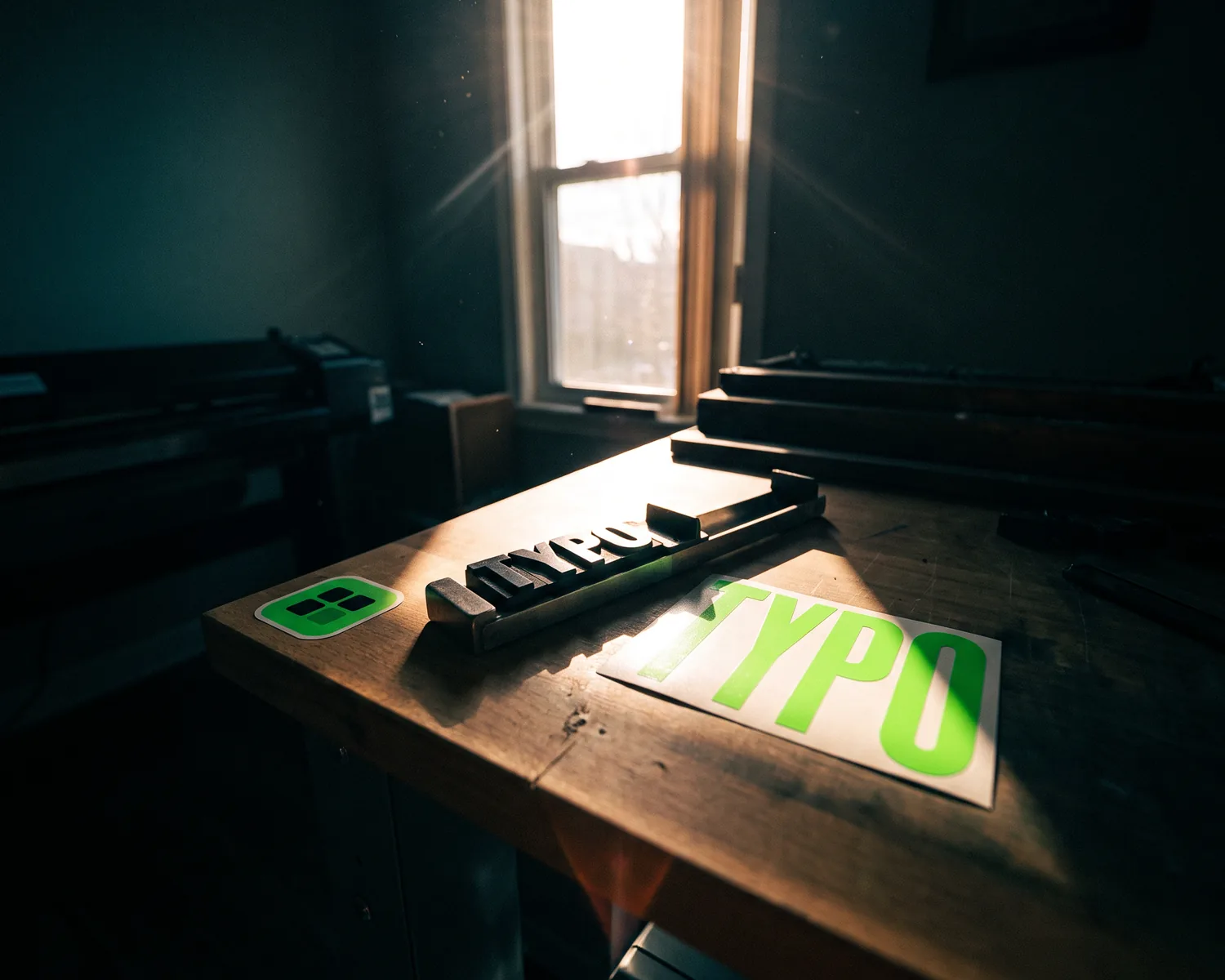
To convert text to outlines is to turn typed letters into drawn shapes, so the file looks exactly the same on any computer, even one without your font. In Illustrator and InDesign the command is Type > Create Outlines (Shift+Ctrl+O); in Inkscape it’s Path > Object to Path.
What does converting text to outlines mean?
Converting text to outlines means replacing each character, which is really just a code plus the name of a font, with the drawing of the letter itself. Once that’s done, the word is no longer text: it’s a group of vector shapes, outlines described by curves rather than by tiny colored squares, so they stay sharp at any size.
Each app has its own name for it: “Create Outlines” in Adobe software, “Convert to Curves” in Affinity and CorelDRAW, “Object to Path” in Inkscape. People also say “outline the text” or “vectorize text”. It’s all the same operation.
Why does your printer ask for outlined text?
Your printer asks for outlined text because live, editable text needs its font to display, and the print shop’s computer may not have it. When the font is missing, the software quietly swaps in another one, and your business cards or banner come out in lettering you never picked.
Cutting machines add a second reason. A vinyl cutter, a heat-transfer cutter or a laser engraver follows outlines: a typed character means nothing to it; it needs the exact shape of every letter.
How do you create outlines in your design app?
The command to create outlines has a different name and location in each app, but it always works on a selected text box:
| App | Command | Shortcut (Windows) |
|---|---|---|
| Illustrator | Type > Create Outlines | Shift+Ctrl+O |
| InDesign | Type > Create Outlines | Shift+Ctrl+O |
| Inkscape | Path > Object to Path | Shift+Ctrl+C |
| Affinity Designer | Layer > Convert to Curves | Ctrl+Enter |
| CorelDRAW | Object > Convert to Curves | Ctrl+Q |
| Photoshop | Type > Convert to Shape | none |
| Canva, Word, PowerPoint | No command | see below |
On a Mac, use Cmd instead of Ctrl. Select the text box with the selection tool (the arrow), not the typing cursor: while you’re editing inside the box, the command stays grayed out.
Should you keep a copy before outlining text?
Yes, always keep a copy before you outline text, because once the file is saved, the letters never turn back into text. A typo spotted afterwards then has to be fixed by hand, one shape at a time.
Two habits are enough:
- Two files: a working file where the text stays editable, and a “for the printer” file you outline last.
- Proofread before ordering: phone numbers, street addresses, accents and figures are the mistakes that most often end up in print.
Do you need to outline the strokes too?
Yes, if your letters have a stroke (a line drawn around each letter), outline it as well: in Illustrator, Object > Path > Outline Stroke. Otherwise the stroke stays a width setting: it may not scale if the print shop enlarges the file, and a cutting or embroidery machine can’t read it as a shape.
How do you convert text to outlines from Canva, Word or PowerPoint?
Canva, Word and PowerPoint have no command to convert text to outlines: the workaround is to export a PDF with the fonts embedded, so the print shop doesn’t need to install them.
- Canva: Share > Download > PDF Print. The catches of that export, including a logo uploaded as a picture, are covered in our guide to Canva and SVG.
- Word and PowerPoint: File > Options > Save, tick “Embed fonts in the file”, then save as PDF. Some fonts forbid embedding in their license, and the app swaps them out on export.
If the printer still insists on outlined letters, open that PDF in Inkscape (free), press Ctrl+A to select everything, then Path > Object to Path. Compare the letters with the original afterwards: if the font wasn’t installed on your computer, Inkscape may have replaced it when opening the file.
How can you check that text is really outlined?
To check that text is really outlined, open the PDF in Acrobat Reader and go to File > Properties > Fonts tab: an empty list means no letter depends on a font anymore. If font names show up, some live text is still in there.
There’s also a mouse test: try to highlight a word. Outlined letters get selected as one drawing, not character by character.
What if your logo’s lettering is already an image?
When your logo’s lettering sits inside a JPG or PNG, there’s no font or character left to convert: the letters are pixels, and the only fix is to vectorize the whole image, which redraws the lettering along with the symbol. The full route is in how to vectorize a logo, and the general method in our guide to vectorizing an image.
A scanned PDF has the same problem, since every page is a picture: see how to turn a PDF into a vector file.
A lettering logo stuck in a JPG: what does Depixelise give you?
Depixelise turns a lettering logo stuck in a JPG into four files delivered to your inbox, one for each job. Hand the SVG to the print shop or the vinyl cutter. The 2000 px PNG with a transparent background covers your website and social media. The single-color version suits a rubber stamp, an engraving or embroidery. The negative version keeps your letters readable on a dark shirt or a dark sign. You pay nothing (it’s 100% free), you don’t open an account, and the files come without a watermark.
Thin letters suffer first: before you send anything, zoom in on serifs, the dots on the i’s and any accents, and compare them with the original.
FAQ
Can you edit text after converting it to outlines?
Outlined text can be moved, recolored and reshaped, but you can no longer fix a letter by typing. To change the name in a logo that’s already shapes, see how to edit an SVG file, or go back to your editable copy.
Is a font already a vector file?
Yes, an OpenType or TrueType font describes every letter with outlines, which keeps it sharp at any size. Converting text to outlines copies those outlines into your document, so the font file is no longer needed. What a vector file holds, and which one to send, is explained in our guide.
Can an SVG file contain text that isn’t outlined?
Yes, an SVG can hold live text, which then depends on the fonts installed on whatever computer opens it. Open the file in a plain text editor such as Notepad or TextEdit: a text tag means some letters were never turned into shapes.
Why is my file bigger after outlining the text?
The file grows because it now stores the full drawing of every letter instead of a simple character code. On a logo you won’t notice; on a multi-page brochure the size can go up quite a bit.
Is “text vectorization” in AI the same thing?
No, in artificial intelligence, text vectorization means turning words into lists of numbers that a program can compare. It has nothing to do with printing, where the goal is to turn letters into shapes.