What Is a Mockup, and How Do You Make One for Your Logo?
What a mockup means in web design and on products, the 3 types (photo, 3D, sample), how to make a free logo mockup, and why it isn't a proof.
By Gaël Pons
Published
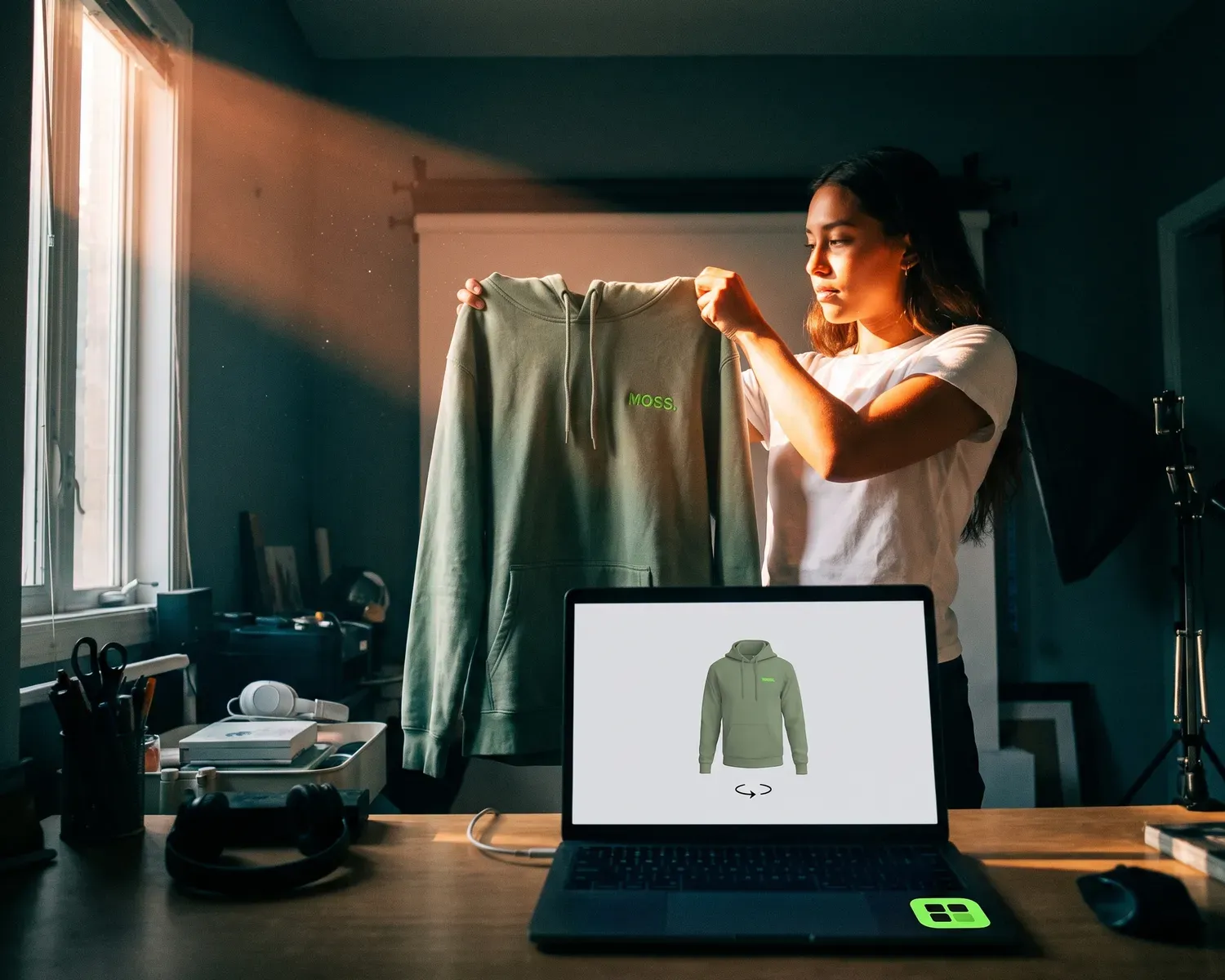
A mockup is a realistic preview of a design that doesn’t exist yet. In app and web design, it’s a polished but static screen; for a logo, it’s your design shown on a real object, such as a t-shirt, so you can check size, placement and color before you order.
What is a mockup?
A mockup is a realistic model of a design that shows what the finished thing will look like, without doing what the finished thing will do. Wikipedia’s article on mockups describes it as a scale or full-size model of a design or device, used for demonstration, design evaluation, promotion and teaching.
The word has two everyday meanings, and the one you need depends on what you’re making. To a web designer, it’s a picture of a screen. To a small business owner, a club volunteer or a new clothing brand, it usually means a logo shown on a product. Both rest on the same idea: see it before you make it.
What does mockup mean in web and app design?
In web and app design, a mockup is a detailed but static image of a screen, with the real colors, fonts, pictures and spacing, and nothing you can click. It comes after the wireframe, a rough gray layout that decides where each block goes, and before the prototype, which you can click through like the finished product. Wikipedia draws the line between the last two: a software mockup looks like the real thing but does no useful work beyond what you see, while a prototype also works like it.
| Wireframe | Mockup | Prototype | |
|---|---|---|---|
| What it settles | where content goes | how the final design looks | how it behaves |
| What you see | gray boxes, placeholder text | final colors, fonts and images | anything from rough screens to the final look |
| Can you click it? | usually not | no | yes |
If that’s the meaning you were after, you now have the basics. The rest of this guide covers the other one: your logo on a real product.
What is a product mockup, or logo mockup?
A product mockup is a realistic image of a design placed on the object it’s meant for: a logo on a t-shirt, a label on a jar, artwork on a tote bag. Most of the time it’s a picture built from a photo or a 3D model, so nothing gets printed and nothing gets wasted. A logo mockup is the version most small brands, clubs and businesses need: their logo on a shirt, a hoodie, a business card or a storefront, seen before they pay for the real thing.
What is a mockup used for?
A mockup is used to catch costly mistakes while they still cost nothing to fix, such as a logo that’s too big, sits too low or disappears into the fabric color. It does three jobs:
- Checking size, placement and color before you order. A logo that looks fine on your screen can end up tiny on a large hoodie or lost on a navy shirt. A mockup shows it in proportion, on the actual garment color.
- Getting a yes from other people. A client, a club board or a business partner signs off faster on a picture of the shirt than on a file name. Wikipedia notes that mockups help people see how all the design decisions work together.
- Selling before you have stock. New clothing brands often show mockups, take pre-orders and only order what has sold, a method laid out in our guide to starting a clothing brand. Tell buyers the picture is a preview.
What types of mockups are there?
There are three main types of product mockups: photo mockups, 3D mockups and physical samples, and each one answers a different question.
- Photo mockup: your design placed on a photo of a real product, often a garment shot on an invisible mannequin (a “ghost mannequin”) or laid flat. The good ones warp the logo to follow the folds and pick up the fabric’s shadows.
- 3D mockup: a 3D model of the product that you turn with your mouse or finger to see the front, the sides and the back. It’s the quickest way to judge a logo on the back of the neck or a print that wraps around.
- Physical sample: one real piece, made by the shop before the full run. It’s the only type that shows the true texture of the ink or the thread, and by far the slowest and most expensive of the three.
Most people use the first two to decide, then rely on the shop’s proof, or a sample for a big order, to confirm.
How do you make a mockup in Photoshop?
To make a mockup in Photoshop, you place your logo on a photo of the product, bend it to follow the surface, then blend it into the material so it picks up the light and texture. Adobe’s guide to creating a product mockup in Photoshop splits the job into five steps: find the right photo, isolate it, add your design, adjust colors and textures, then export. Two settings do much of the work in that guide: warping the logo so it follows the shape of the object, and adding a solid-color layer set to the Multiply blending mode, so the product changes color while its texture still shows through.
A ready-made mockup template saves you the photo hunt. It’s a layered PSD file with a placeholder for your design, with the warping and shadows already set up. You still need Photoshop, or another editor that opens PSD files.
How do you make a logo mockup online for free?
To make a logo mockup online for free, use a mockup generator in your browser: upload your logo, choose the product and its color, then place and resize the design. Our free mockup generator does this on a t-shirt, a hoodie, a sweatshirt or a tote bag, with no sign-up and no software to install:
- Garment color: nine preset colors, or any hex code to match a specific fabric.
- Print area: up to four spots, from the left chest to the back of the neck, depending on the product; the tote bag takes a logo on the front only.
- Logo size: adjust it until the proportions look right on the garment.
- Dark fabrics: a single-color dark logo switches to white automatically, like the negative version printers ask for on dark fabric.
- Photo or 3D: a realistic photo view, or a 360° 3D view you drag to spin the garment.
Your logo is processed right on your device. You can share a preview of the mockup or get the HD version by email, free.
What makes a good logo mockup?
A good logo mockup starts with a good logo file: sharp, free of any background and set to a realistic size. Run through four checks before you trust what you see:
- A vector logo. A vector file (one that stores your logo as shapes instead of tiny colored squares) stays sharp at any size. A small JPG stretched across a chest looks soft in the mockup and softer on the shirt. Not sure what you have? Here’s how to tell whether your logo is a vector.
- A transparent background. A logo saved on a white background puts a white box on every colored garment once printed. Our generator hides that white background in the preview (the “Remove white background” option is on by default), so a clean mockup doesn’t prove your file has no background. Removing the background from a logo explains how to get clean edges.
- A realistic size. Set the logo to the size you plan to order, not the size that looks bold on screen, and ask your printer for the largest print area they offer on that garment.
- Colors that can be printed. On dark fabric, plan a white version of your logo as well. If your logo has several colors, keep in mind that screen printing a logo needs a separate screen for each one.
Is a mockup the same as a proof?
No, a mockup is not a proof: the mockup shows what your design could look like, while the proof is the print shop’s preview of exactly what it’s about to produce, built from the file it will use. You use the mockup to decide; you approve the proof, and that approval is what the shop goes by. Screen colors are only an approximation, too, since ink on cotton never glows like a phone display. Pick size, placement and color on the mockup, then compare the proof with it before the run starts. Everything else your printer will look at is listed in the full print-ready logo checklist.
How do you get a logo with no background for your mockup?
To get a logo with no background for your mockup, upload your logo image to Depixelise: it removes the background automatically while it redraws the shapes, 100% free, without an account or a watermark.
It takes a PNG, JPG, WebP or SVG file, 10 MB at most, and in about ten seconds the redrawn logo appears full size, ready to zoom in on. By email, you receive four files: the SVG for your print shop, a 2000 px transparent PNG to drop straight into the mockup generator, a single-color copy, and a negative (white) version for dark garments. If your starting image is tiny, it’s scaled up and its shapes rebuilt: check the letters against your original. Depixelise doesn’t print anything; it gets your file ready for the people who do.
FAQ
Is it spelled mockup, mock-up or mock up?
Mockup and mock-up are both accepted spellings of the noun, while mock up, in two words, is the verb: you mock up a design to get a mockup. Dictionaries list the noun as mock-up and Wikipedia titles its article Mockup, so either form will be understood.
Can you use a free mockup template to sell products?
You can use a free mockup template to sell products only if its license allows commercial use: some free templates are limited to personal projects, and others require you to credit the designer. Check the license on the download page before the mockup goes into a store listing or a client pitch.
Can a mockup show what embroidery will look like?
A mockup can show where embroidery will sit and how large it will be, but a flat image can’t reproduce the relief of the stitches or tell you whether tiny lettering survives in thread. For that, ask your embroiderer to stitch a sample before the full order. Placement and size for hoodies are covered in our guide to custom embroidered hoodies.
Will your printer make a mockup for you?
Your printer may make a mockup for you, but not always: some print shops include a quick preview with the quote, while others only send the proof just before production. Ask when you request the quote. Arriving with your own mockup means size, placement and garment color are already decided, which keeps the back-and-forth short.
What file format is a finished mockup?
A finished mockup is usually an image, a JPG or a PNG, ready to email, post or add to a product listing. The editable template behind it, if you used one, is often a layered PSD file that opens in Photoshop.