What Is an EPS File? Meaning, Vector or Not, How to Open
EPS stands for Encapsulated PostScript. Whether it's really a vector, how to open one free on Windows or Mac, and how to get one for your logo.
By Gaël Pons
Published , updated
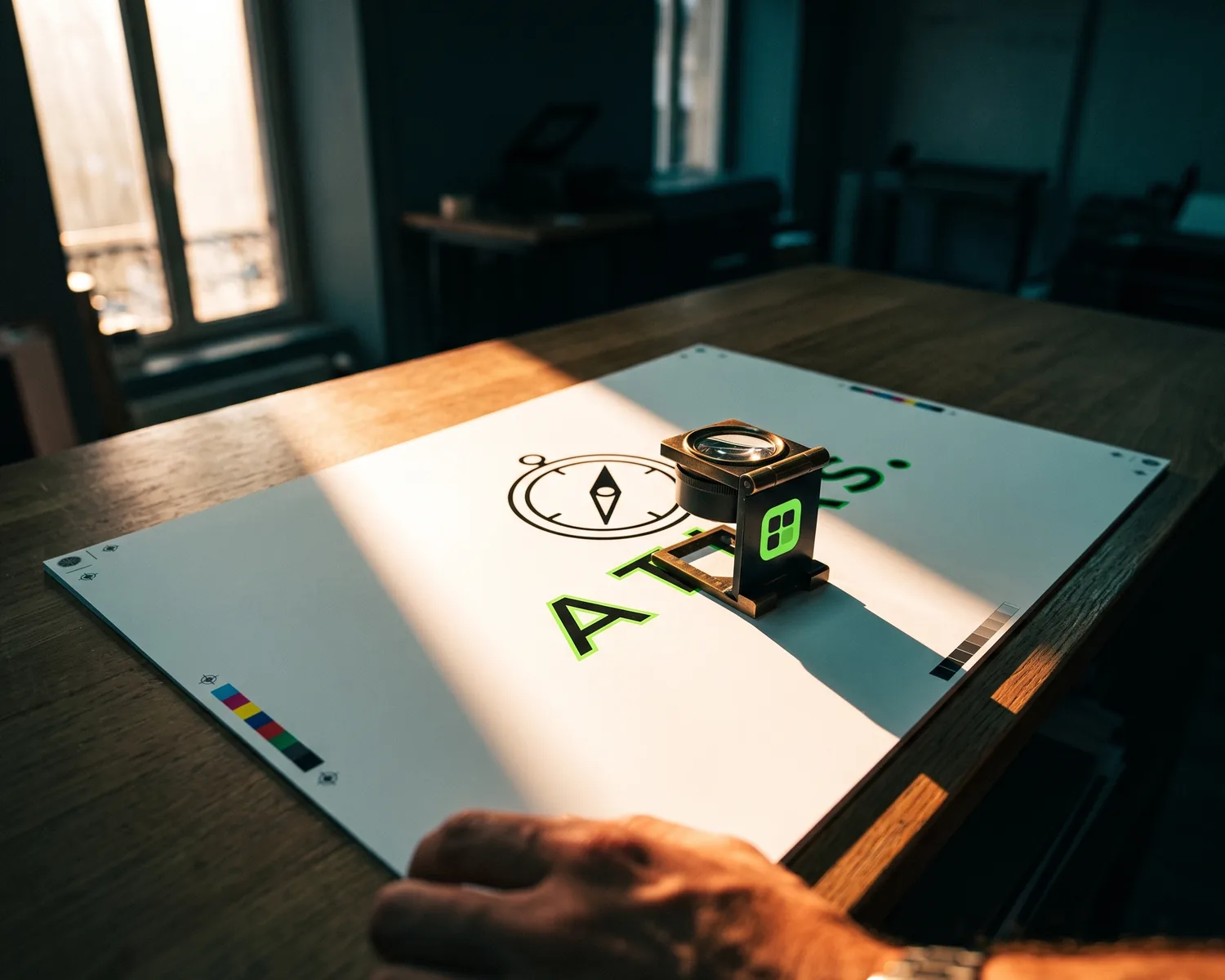
An EPS file (Encapsulated PostScript) is a vector graphics format built for professional printing: it describes artwork with shapes instead of a grid of colored dots, which keeps it crisp when resized. It’s old, yet print shops still request it, and an SVG converts to EPS in a minute.
What exactly is an EPS file?
An EPS file is a single piece of artwork written in the PostScript language, packaged so that layout software or a print machine can drop it in as one block. It uses the .eps extension. Like any vector file, it stores drawing instructions (“a circle here, filled with blue”) instead of a grid of pixels, which is why your printer can blow it up for a banner or shrink it for a pen without any loss of sharpness.
What does EPS stand for, and where does it come from?
EPS stands for Encapsulated PostScript. PostScript is the page description language Adobe created in the 1980s to drive laser printers; EPS wraps a single image in it, along with a frame that records its exact dimensions, so other programs can place it on a page. The full history is on Wikipedia’s Encapsulated PostScript page.
PDF, which Adobe launched later, comes from the same family. That shared ancestry is why EPS and PDF convert into each other so easily.
What’s inside an EPS file?
An EPS file usually holds two things: the artwork itself, written in PostScript, and a small pixel thumbnail used as a preview. The thumbnail is there because most everyday programs can’t read PostScript, so they show the preview on screen and pass the real artwork to the printer.
That explains a common scare. An EPS dropped into a Word document or opened in a basic viewer can look blurry or rough even though it will print perfectly crisp: what you’re seeing is the thumbnail, not the drawing. An EPS saved without a thumbnail may even show up as a gray box or a crossed-out frame.
Is an EPS file always a vector?
No, an EPS file isn’t always a vector: it can also be a wrapper around a plain pixel image. If someone “saves a JPG as EPS”, the file gets the right extension, but what’s inside is still a grid of squares that turns blurry when enlarged.
To check, open the file in a vector editor and zoom in hard on an edge. Edges that stay smooth at 800% mean real shapes; a staircase means pixels. Another tell in Inkscape or Illustrator: true vector artwork can be selected shape by shape, while an embedded picture selects as one solid block.
Why do printers still ask for EPS files?
Printers still ask for EPS files because their production software, their RIPs (the computers that prepare a job for printing) and their cutting machines were built around PostScript, and EPS was the trade’s standard exchange format for decades. Screen printers, engravers, sign makers and custom apparel shops often stick with it simply because their workflow runs fine.
Plenty of them will happily take a vector PDF or an SVG if you ask. For a side-by-side of the three formats and which one suits each job, see SVG vs EPS vs PDF.
How do you open an EPS file?
You open an EPS file with a vector editor: Inkscape costs nothing and runs on every major system, and Adobe Illustrator handles it natively. Neither Windows nor web browsers display EPS files on their own, so a double-click often leads nowhere. GIMP can also open one, but it turns the artwork into pixels, which is fine for a quick look and wrong for editing. Online EPS viewers work too; just avoid uploading artwork that isn’t meant to be public.
How is an EPS different from an AI file?
An EPS is an exchange format, meant to be read by other programs and by print equipment, while an AI file is Adobe Illustrator’s native working document, with its layers and editing settings intact. A designer typically keeps the AI and hands you the EPS; the Illustrator format is covered in what is an AI file.
How do you get an EPS file of your logo?
To get an EPS file of your logo, you first need the logo as shapes, meaning an SVG, an AI file or a vector PDF. Then:
- open the vector file in Inkscape (free) or Illustrator;
- go to File > Save As (or Save a Copy);
- pick “Encapsulated PostScript (*.eps)” as the file type and confirm.
When the only copy of your logo is a JPG or a PNG, renaming it or running it through a file-format converter won’t help. You first need to vectorize your logo, meaning its outlines get redrawn as shapes. The EPS export comes after and takes a minute.
Get the SVG first, no account and no watermark
The slow part of getting an EPS is usually that first step, going from JPG to vector. Depixelise handles it, 100% free, with no sign-up, no credit card and no watermark stamped on the output. You can start from a JPG, PNG, WebP or SVG up to 10 MB and zoom into the large preview right on screen. The SVG you receive is yours to use anywhere: save it as EPS in Inkscape, or send it straight to your print shop, which can often convert it on their end.
FAQ
What does “EPS 10” mean on stock image sites?
“EPS 10” means the file was saved in the format compatible with Illustrator 10, an older version of the software. Stock sites use it so the file opens in nearly any vector program, old ones included; any transparency effects are simply flattened.
Can you turn a JPG into a real EPS?
You can save a JPG as an EPS, but you just get the same grid of squares under a new extension, which is useless to a printer who needs to enlarge your logo. Vectorize the JPG first, then export the result as EPS.
Can you change the colors in an EPS file?
Yes, as long as the EPS is a true vector: each shape can be selected in Inkscape or Illustrator and recolored in one click. If the file holds a pixel image, editing it means retouching pixel by pixel, like a photo.
Is the EPS format obsolete?
Technically, the EPS format is obsolete: PDF and SVG handle transparency better and open far more easily. In practice, EPS is still everywhere in print shops, custom apparel and stock image libraries, so knowing how to supply one saves a lot of back-and-forth.
Why is my EPS file so large?
A large EPS file usually has a pixel image embedded in it, or an oversized preview thumbnail. A genuinely vector logo stays light, so a file weighing several megabytes deserves a close look zoomed in.