Fix a Pixelated Logo: Vectorize It, Don't Upscale It
Pixelated logo? Upscaling won't survive print. Vectorizing makes it sharp at any size: the free method, a GIMP trick, and the limits.
By Gaël Pons
Published
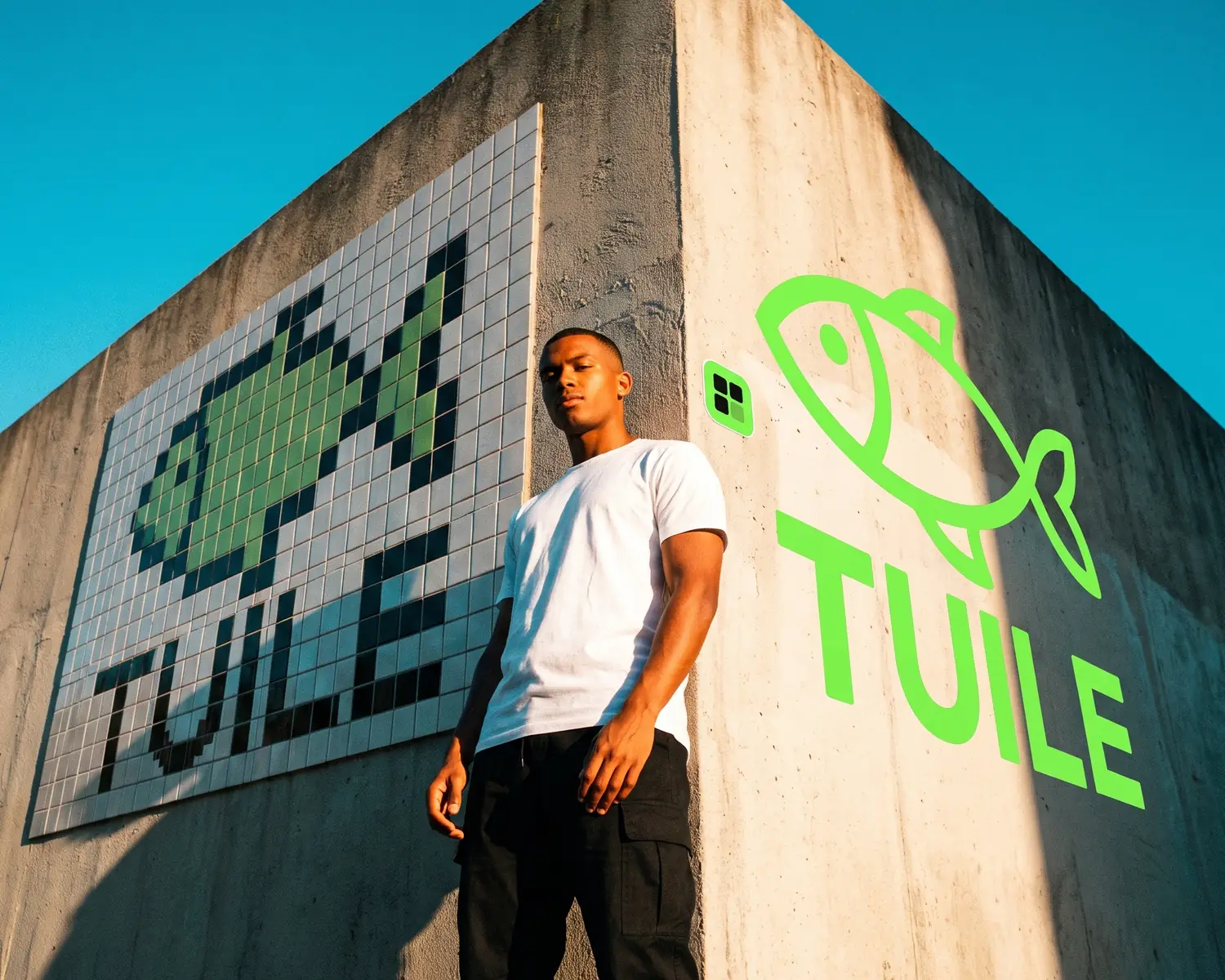
To fix a pixelated logo, vectorize it instead of upscaling it: the pixel grid gives way to smooth outlines that hold up whatever the size. An upscaler only makes more pixels, which blur again on a banner. On Depixelise, vectorizing a logo is free and takes about ten seconds.
Why does your logo look pixelated?
A logo looks pixelated when it is shown larger than its pixels allow: each little square grows and the edges of the letters turn into staircases. With logos, the story is nearly always the same. The original file left with the agency, or with the friend who drew it years ago, and all that survives is a copy pulled from a website, a Facebook page or an email signature, shrunk and recompressed every time it was saved.
The problem shows up at the worst moment, when your printer, your embroiderer or the sign shop asks for “the logo, large”. If what stops you is the phrase “send it in high res”, here is what a high-resolution logo means to a print shop.
How do you fix a pixelated logo in three steps?
Fixing a pixelated logo takes three moves: find the best copy you can, convert it into a vector file, then check the result zoomed in. A vector file describes your logo as outlines and filled shapes instead of a grid of dots: the computer redraws it at whatever size is needed, without ever losing sharpness.
- Pick the largest copy. The logo in your website header beats the one in your email signature, and a PNG beats a JPG that has been forwarded ten times. Avoid screenshots of screenshots: every generation wipes out a bit more of the lettering.
- Convert it to vector. An online vectorizer finds each area of color and redraws it as outlines and flat fills. A simple logo needs no settings at all.
- Read the name letter by letter. Put the old logo next to the new one and zoom in on the small text (tagline, founding year, address): that is where changes show up first.
Why vectorize a logo instead of upscaling it?
Vectorizing a logo beats upscaling it because a logo is made of letters, flat colors and crisp edges, which is exactly what a vector file is built to describe. Upscaling keeps the pixel grid and simply makes it finer.
Three practical reasons:
- You don’t know the final size. The same logo will end up on a business card, a T-shirt and maybe a ten-foot banner. An upscaled image has a ceiling; a shape doesn’t.
- Upscalers think in photos. They are designed to invent texture, skin and foliage. On a clean letter, they round a corner, thicken a stroke or guess at a shape that was never there.
- Workshops run on outlines. An embroidery machine follows a path of stitches and a vinyl cutter follows a silhouette: a pixel file, however huge, gives them nothing to follow.
The side-by-side of every option (upscaler, vectorizing, manual retouching, designer) lives in improve logo quality: the right tool for each problem. How far AI upscaling can actually go is covered in upscale an image without losing quality.
Can Canva or Picsart fix a pixelated logo?
Canva, Picsart and other online upscalers make a pixelated logo look smoother on screen, but what they hand back is still a pixel image. For a profile picture or a social banner shown at one fixed size, that is often enough.
For anything printed, the problem is only postponed: the new file has a new size limit, and the shop that wanted shapes will send it back just like the first time. If you do use one of these tools, read your brand name carefully: a letter reinvented by the AI is easy to miss in a small preview.
Can you fix a pixelated logo in Photoshop or GIMP?
Yes, Photoshop and GIMP can smooth out a pixelated logo with an old trick designers pass around: a Gaussian blur, followed by a threshold. The blur melts the staircase edges into soft gray, and the threshold snaps every pixel back to pure black or pure white, leaving clean, smooth edges.
Where to find it:
| Step | GIMP | Photoshop |
|---|---|---|
| Enlarge the image first | Image > Scale Image | Image > Image Size |
| Blur slightly | Filters > Blur > Gaussian Blur | Filter > Blur > Gaussian Blur |
| Snap back to two colors | Colors > Threshold | Image > Adjustments > Threshold |
The trick has three limits. It only works well on a one-color logo on a plain background. Thin strokes either shrink or fill in, depending on where you set the threshold slider. And the result is still a pixel image, which you will need to vectorize anyway before it goes to your printer.
How damaged can a logo be and still be fixed?
A damaged logo can be fixed as long as its shapes are still readable in the original: a tool can redraw a fuzzy edge, it cannot guess a letter that is gone. What to expect, depending on what you start with:
| Your logo | What vectorizing gives you | What to check |
|---|---|---|
| Clean letters and flat colors, decent size | Very close to the original | The corners of the letters |
| Website thumbnail or avatar | The image is enlarged first, then its shapes are rebuilt | Every letter, one by one |
| Gradients, drop shadows | Simplified into a few solid colors | The overall look, often cleaner |
| A logo with a photo inside | The photo turns into a flat-color illustration | Whether you like that look |
| Text that is already unreadable | Shapes invented from blotches | Nothing to save: it needs redrawing |
In that last case, no tool will bring the original back: a designer has to rebuild the logo from what is left, and that costs money. What to ask before you hire one is in redraw a logo.
Your fixed logo, in a file the print shop can open
On Depixelise, your pixelated logo comes back as an SVG, a file most printers, embroiderers, engravers and vinyl shops open without asking you for anything else. Alongside it you get a 2000-pixel-wide transparent PNG for everything that never goes near a workshop (your website, social media, a Word document), plus a one-ink version and a white-on-dark version for black T-shirts or storefronts. The logo you upload can weigh as much as 10 MB and be a PNG, JPG, WebP or SVG. You see the redrawn logo, full size, right on screen. The four files are delivered to your inbox. There is no sign-up and no watermark anywhere on the logo, and the service is 100% free. To know which format to hand to which shop, see our explainer on what a vector file is.
Working on a blocky photo instead? Photos call for another method, explained in how to unpixelate an image, photo or logo.
FAQ
How much does it cost to fix a pixelated logo?
Fixing a pixelated logo by vectorizing it costs nothing on Depixelise: it is free, with no account, no subscription and no watermark. Only a logo too damaged to convert calls for a designer, who will quote you a price.
Can a fixed logo be blown up for a banner or a storefront sign?
Yes, a logo fixed by vectorizing scales up without limit: a banner several yards wide gets the exact same shapes as a business card. That is the difference from a logo that was only upscaled, which always has a size past which it goes blurry again.
Will the font in my fixed logo stay the same?
The font in a fixed logo stays very close to the original when the letters were readable to begin with. On a tiny logo, a letter may come back slightly redrawn (a softer corner, a simplified serif): compare it with the original before sending the file anywhere.
Can you fix a pixelated logo on your phone?
Yes, you can fix a pixelated logo on your phone: an online vectorizer runs in the browser, with no app to install. Start from the saved image rather than a photo of your screen, which adds blur and glare.
Does the Gaussian blur trick work on a color logo?
No, the Gaussian blur and threshold trick only suits one-color logos, because the threshold turns everything into black and white. For a logo with several colors, vectorizing splits each color into its own shapes and keeps them all.