How to Open an SVG File on Windows, Mac, iPhone, Android
Any web browser opens an SVG file. Steps for Windows, Mac, iPhone and Android, plus fixes when it shows code, a blank page or blurry edges.
By Gaël Pons
Published , updated
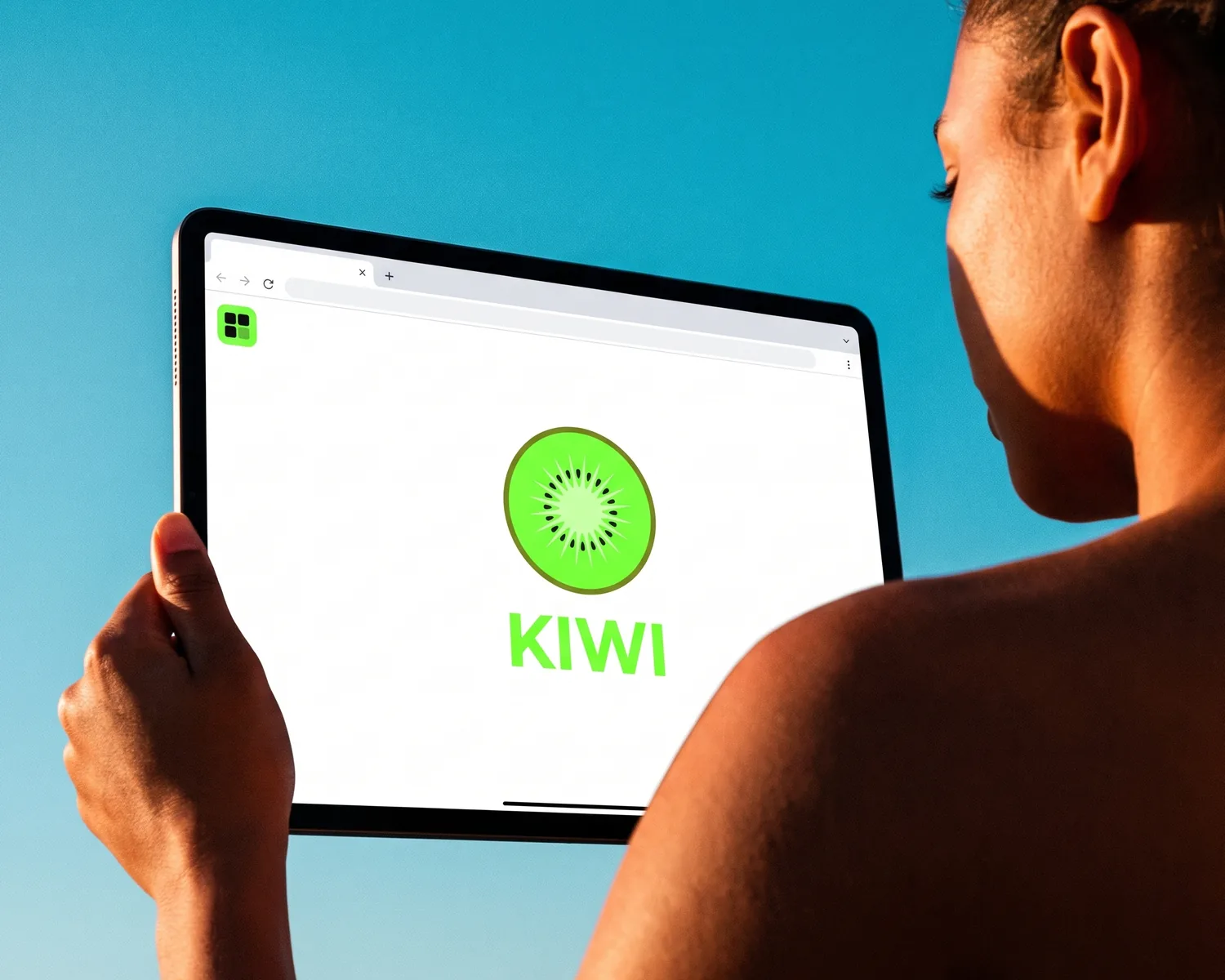
To open an SVG file, drag it into a Chrome, Edge, Firefox or Safari window: the logo appears, with nothing to install. If double-clicking shows code or does nothing, the file isn’t broken: your system just doesn’t know which program should handle it.
How do you open an SVG file?
An SVG file opens in any modern web browser, which displays it natively: that’s the simplest and safest way to view one. Either drag the file onto an open tab, or right-click the file, choose “Open with” and pick your browser.
What the browser shows is a reliable preview of the file a print shop will receive. Zoom in (Ctrl and the mouse wheel, or Cmd and +): a genuine SVG is a vector file, a drawing built from outlines and fills rather than colored dots. Its edges stay sharp however far you zoom. To check a file someone sent you before passing it on, that’s all you need.
How do you open an SVG on Windows?
On Windows 10 and 11, right-click the SVG, choose “Open with”, then Edge or Chrome. To make it stick, go to “Choose another app”, select your browser and tick “Always use this app to open .svg files”.
File Explorer itself shows no thumbnail for this format, only a generic icon instead of your logo. If you want previews, Microsoft’s free PowerToys includes File Explorer add-ons that add SVG previews and thumbnails.
How do you open an SVG on a Mac?
On a Mac, select the SVG file in Finder and press the space bar: Quick Look shows it without opening any app. To inspect it zoomed in, right-click, choose “Open With” and pick Safari or Chrome.
To make that the default, press Cmd+I on the file, choose your browser under “Open with”, then click “Change All”. Every SVG will open there from then on.
How do you open an SVG on an iPhone or Android phone?
On an iPhone, open the SVG from the Files app: tap it and the preview usually displays it. If the preview stays blank, share the file to Safari instead.
On Android, the file manager that came with the phone can’t always display this format. The easiest fix is a free online SVG viewer opened in Chrome: you pick the file and it appears on the page. For a confidential logo, wait until you’re back at a computer.
Why does my SVG open as code in Notepad?
An SVG opens as code in Notepad or TextEdit because it’s written as text: inside, lines starting with <svg describe each shape. Your system has simply linked the .svg extension to a text editor instead of a viewer. Close it and reopen it in your browser as shown above.
If double-clicking does nothing at all, or Windows asks “How do you want to open this file?”, no app is linked to the extension: same fix. Two rarer cases also stop a file from opening:
- the name ends in .svgz: it’s a compressed SVG, which Inkscape opens directly;
- the file is 0 KB or the download was cut short: ask the sender again, no software can repair it.
Why does my SVG look blank or blurry?
An SVG that looks blank usually holds a white logo on a transparent background: on the browser’s white page, it simply vanishes. Versions made for dark backgrounds are often built that way. Press Ctrl+A or Cmd+A and the shapes show up highlighted.
An SVG that turns blurry or jagged when you zoom isn’t a real vector file: it’s a pixel image wrapped inside an SVG container. The format is right, the content isn’t. A print shop will usually turn it down, and you’ll need to start again from the original image to get real shapes.
Which program opens an SVG for editing?
To edit an SVG, open it in vector drawing software: Inkscape (free, on Windows, Mac and Linux) or Adobe Illustrator (subscription). A browser only displays the file; it can’t change a color or remove an element.
Word and PowerPoint in Microsoft 365 can also take an SVG through Insert, then Pictures, which is handy for a document or a slide deck. What the format is made of, and why a designer delivered your logo that way, is covered in what an SVG file is. If it’s an EPS that won’t open, the steps differ: see what an EPS file is and how to open one.
No SVG yet? See the result full size, for free
If your printer wants an SVG and all you have is a JPG or a PNG, Depixelise makes one from your image. The converted logo appears full size next to the original, with zoom up to 800% so you can inspect every edge.
By email, you get four attachments: the SVG itself, a 2000 px PNG on a see-through background, a one-ink version and a reversed version for dark backgrounds. The whole thing is 100% free: you never create an account, and nothing is stamped on the files. To know which file goes to which shop, SVG vs EPS vs PDF sorts it out.
FAQ
Why won’t my email app preview the SVG?
Many email apps show no preview for an SVG attachment, even a harmless one. Save it to your computer, then open it in your browser. If the sender is a stranger or the email was unexpected, don’t open it at all: an SVG can contain code.
Do I need Illustrator to open an SVG file?
No, you don’t need Illustrator to open an SVG: a browser is enough to view it, and free Inkscape is enough to edit it. Illustrator only makes sense if you already use it.
Can Photoshop open an SVG?
Yes, Photoshop opens an SVG, but it turns it into a pixel image at the resolution you set when opening it, so the shapes are lost. To keep the file as vector, edit it in Inkscape or Illustrator instead.
Can I open an SVG on a Chromebook or on Linux?
Yes: on a Chromebook, the Files app opens SVGs in Chrome; on Linux, Firefox, Chrome, the GNOME image viewer and Inkscape all read them with no setup.
Why does my SVG look different in Canva or Word?
Some apps misread advanced SVG features, such as complex gradients or text that was never converted to shapes. If the logo changes, compare it with the browser view, which is the reference, and ask for a file with its text converted to shapes.