Vectorize a Drawing: From Paper Sketch to Clean SVG
Scan or phone photo, contrast, pencil or marker, Procreate: how to vectorize a hand drawing for free, check it, and know when to get it redrawn.
By Gaël Pons
Published
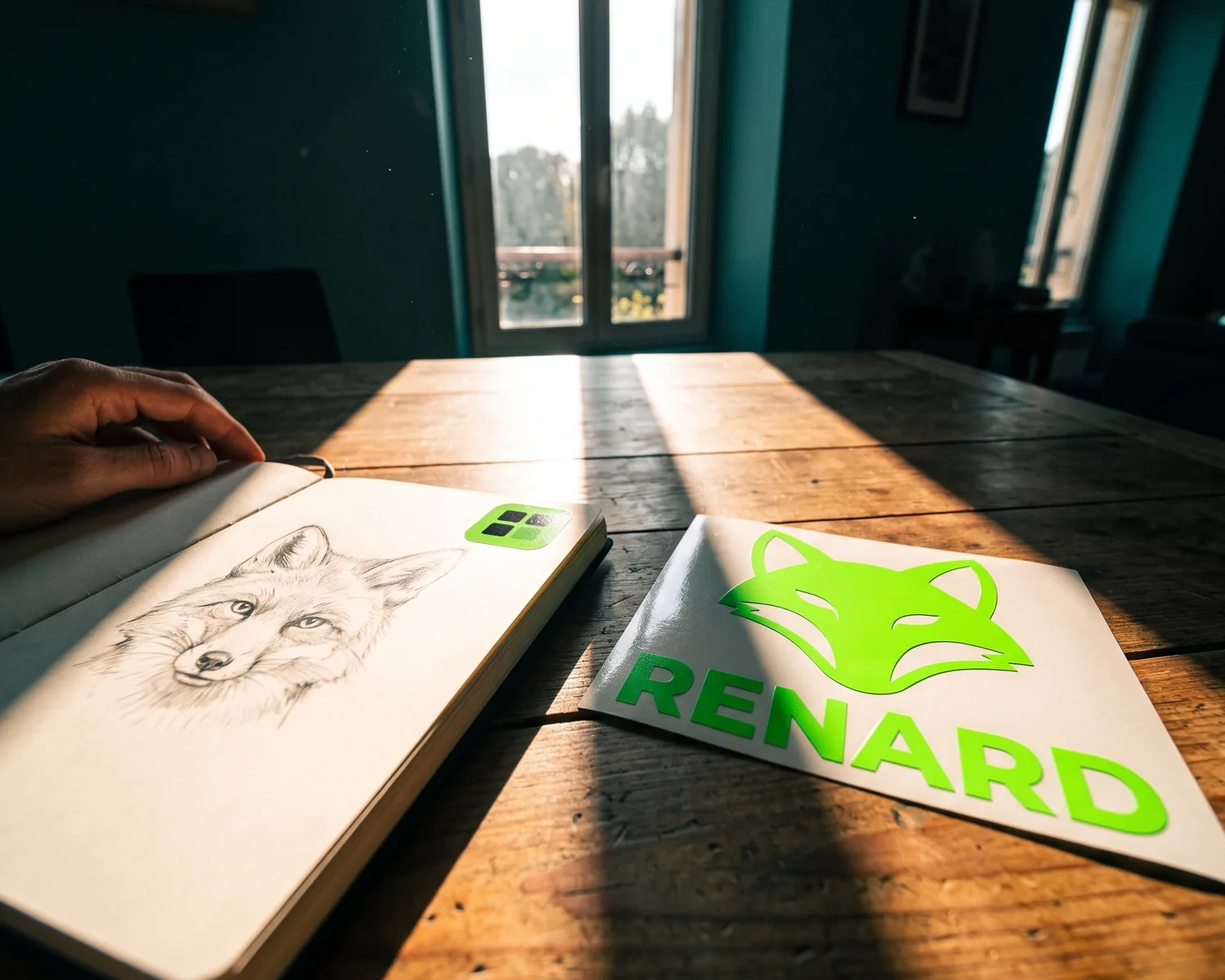
To vectorize a drawing, digitize it flat (a scanner, or a phone photo in daylight), boost the contrast so the lines stand out from the paper, then drop the image into an online converter. A black marker drawing on white paper turns into a clean file in about ten seconds.
How do you vectorize a hand drawing?
Vectorizing a hand drawing means turning the ink lines on a sheet of paper into shapes a computer can redraw at any size. The output is a vector file, which stores outlines and curves, not a patchwork of tiny colored squares; that’s why your sketch looks just as crisp on a jersey crest as on a ten-foot banner.
The whole job comes down to four moves:
- Capture the page with a scanner or your phone.
- Clean up the image: tight crop, strong contrast, specks erased.
- Convert it with an online tool or desktop software.
- Inspect the result zoomed in before it goes to your printer.
The classic case is a club or nonprofit whose logo was sketched years ago by a volunteer and only survives on paper, right when it’s time to order t-shirts.
Which drawings vectorize best?
The drawings that vectorize best have crisp edges: black marker or ink on white paper, closed shapes, and solid areas of color with no gradients. The more the line contrasts with the background, the less guessing the converter has to do about where each edge sits.
Three kinds of artwork are harder:
- graphite pencil: a gray, grainy, sometimes broken line that comes out with ragged edges;
- shading and cross-hatching: every shaded patch turns into a blob or a cloud of tiny shapes;
- watercolor, paint and blended colored pencils: these behave like a photo, where subtle tones collapse into a handful of flat colors (see what to expect in our guide to photo to vector conversion).
Should you scan or photograph your drawing?
A scanner gives the best image of a drawing, but a phone photo taken in good conditions works for most hand-drawn logos. The difference comes down to shadows and how flat the page looks.
| Scanner | Phone | |
|---|---|---|
| Line sharpness | Excellent | Good in even light |
| Shadows and glare | None | Watch for your hand, phone and flash |
| Distorted page | Never | If the phone isn’t held parallel |
| Recommended setup | 300 dpi, grayscale or color | Straight overhead, no flash, near a window |
On a phone, your best bet is a document scanning feature: Scan Documents in the iPhone Notes app, or the scan button in Google Drive on Android. It straightens the page and whitens the paper for you. If the drawing reached you as a scanned PDF, our walkthrough for turning a PDF into a vector covers that case.
How do you prepare a drawing before vectorizing it?
Preparing a scanned drawing takes about five minutes in any photo editor, including the one on your phone, and it changes the final result more than any other step.
- Crop right up to the artwork: a table edge, a fold or a finger’s shadow would otherwise become stray shapes.
- Push the contrast until the paper is pure white and the line is truly dark; the paper’s texture fades away with it.
- Erase leftover guidelines and small specks.
- Keep the full-size file: messaging apps often shrink and compress images, so send it by cable, email or cloud storage instead.
How do you vectorize a Procreate drawing?
A Procreate drawing is a pixel image, even if it looks perfectly sharp on your iPad, so it gets vectorized the same way as a scan once it’s exported properly. Export it as a PNG, with the background layer hidden if you want transparency. Start from a canvas that was large to begin with: pixels that were never there can’t be recovered later.
Before exporting, make sure nothing extra is showing: no rough sketch left on a visible layer, no paper texture added by a brush. Some apps, such as Adobe Fresco, offer vector brushes; artwork made with them can be exported as a vector file directly, no conversion needed.
Can you vectorize a drawing in Illustrator or Inkscape?
Yes, Illustrator and Inkscape can both vectorize a scanned drawing, as long as you’re willing to adjust the settings yourself. In Illustrator, go to Object, then Image Trace, and start from a preset such as Sketched Art or Line Art. In Inkscape, which is free, use Path, then Trace Bitmap, with the brightness cutoff mode for a black-on-white drawing.
Inkscape also has a centerline mode that turns each stroke into one thin path, handy for cutting or line engraving; the settings are covered in our guide to Inkscape Trace Bitmap. Desktop software is worth it if you plan to edit the shapes yourself afterwards.
How do you check a vectorized drawing?
To check a vectorized drawing, zoom in on the fragile spots: thin lines, small lettering, places where lines cross, and enclosed loops like the inside of an “o” or an “e”. If a loop has filled in or a thin line has snapped, go back to the original image and increase the contrast.
Slightly uneven edges are normal: the conversion follows your original line closely, and a hand that wobbled will still show. That’s also what keeps the drawing’s personality. For perfectly smooth lines, you need either a cleaner drawing to start from or a designer.
When should you have a drawing redrawn instead?
Having a designer redraw your drawing makes sense when you want to change it, not just convert it: straightening lines, fixing proportions, swapping handwriting for a real typeface, or simplifying artwork that’s too busy for embroidery. Automatic conversion keeps the drawing as it is; a designer rebuilds it. How that works, and what to brief, is in our guide on when to redraw a logo.
Which file format should you keep?
Keep a vectorized drawing as an SVG: it’s the file most print, embroidery and engraving shops open without trouble. A shop that insists on EPS or a vector PDF will get the very same shapes, just packaged differently. Also keep the original scan in a separate folder, since that’s what you’ll go back to if the drawing ever needs converting again. Which of the three suits a mug, a sign or a hoodie is spelled out on our page explaining what a vector file is.
Turn a scanned or photographed sketch into an SVG with Depixelise
Drawings rarely show up as tidy files: it’s a sheet run through the office scanner, a photo snapped on a kitchen table, or a JPG someone forwarded you. Depixelise takes those images as they are, in PNG, JPG or WebP (SVG works too), up to 10 MB per file. The white of the paper is removed, every line is rebuilt as a shape, and you can study the large, zoomable preview right on screen. Four files land in your inbox: an SVG ready for the print shop, a background-free PNG, a version in one ink for stamps or engraving, and a white negative meant for dark fabric. No account to create, no watermark on your artwork: it’s 100% free. A photo that’s too small is upscaled first and its shapes are then redrawn, so look closely at the small lettering before you pass the file on.
If your logo already exists as a PNG or JPG and never lived on paper, follow the general method to vectorize an image instead.
FAQ
Can you vectorize a pencil drawing?
Yes, a pencil drawing can be vectorized, but its gray, grainy line produces rougher edges than ink. The most effective fix is to go over the outlines with a black marker before you scan the page.
What resolution should you scan a drawing at?
To scan a drawing for vectorizing, 300 dpi is enough for a letter-size or half-letter sheet. For a tiny drawing, the size of a stamp or a notebook corner, go up to 600 dpi so the thin lines keep enough detail.
Can you vectorize a drawing in color?
Yes, a color drawing vectorizes well when the colors are laid down as solid areas, with markers or gouache. Gradients and blended colored pencils get simplified into flat zones.
Can you vectorize a kid’s drawing for a t-shirt?
Yes, a child’s drawing vectorizes like any other: a marker pressed firmly on plain white paper actually gives excellent results. Just avoid colored or grid paper, whose lines get mixed into the drawing.
Will the vectorized drawing keep the style of my line?
Yes, a vectorized drawing keeps the style of the original line, including its thickness and small irregularities. That’s often exactly what you want for a hand-drawn logo; for a more regular look, have it redrawn.