Vectorize Online: Pick a Free Tool Without the Traps
How to choose a free online vectorizer: real SVG, background removal, upfront price, where your image goes. Plus a one-minute test to compare tools.
By Gaël Pons
Published
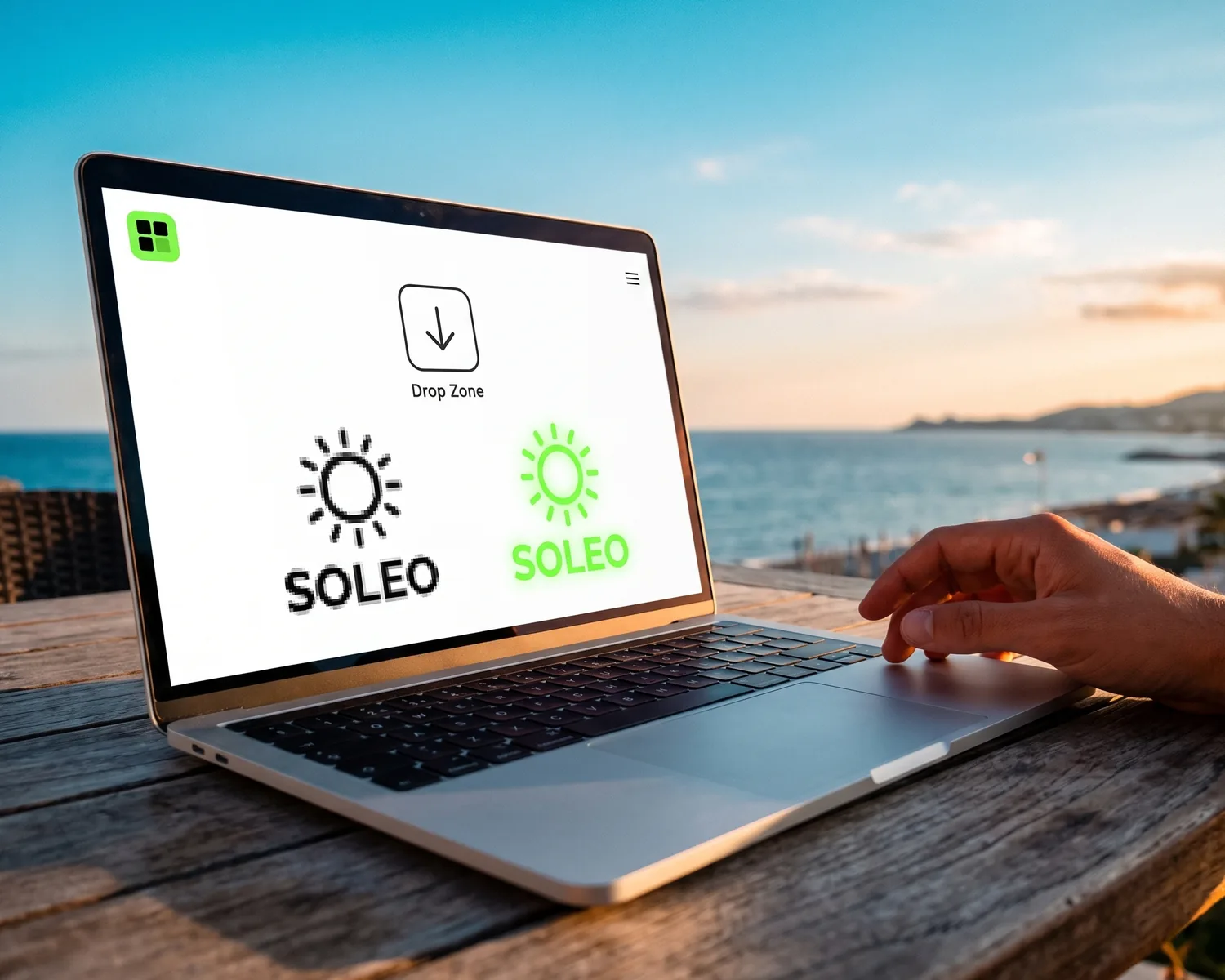
To vectorize online, upload your image to a web converter: it redraws the image as shapes and hands back an SVG file, with nothing to install. But they’re not all equal: some charge for the download, others return a plain image dressed up as an SVG. Here’s how to choose.
How does an online vectorizer work?
An online vectorizer is a website that takes your image (usually a JPG, PNG or WebP) and redraws it as shapes: outlines and solid color fills that replace the pixel grid. The result is a vector file, a file made of shapes rather than colored pixels, which stays sharp at any size. That’s why printers, embroiderers and engravers ask for it. For the full step-by-step method, see our guide on how to vectorize an image.
Can you really vectorize an image online for free?
Yes, you can vectorize online for free, but “free” covers three very different deals:
- free file: you upload the image and leave with the result, no payment;
- free preview, paid file: the result shows on screen, then the download needs a subscription or a per-image fee. Vector Magic works this way;
- free with sign-up: the tool costs nothing, but exporting requires creating an account.
None of these is dishonest in itself. The trouble is finding out at the download button, after you’ve already spent time getting your file ready.
What should you look for in an online vectorizer?
A good online vectorizer can be judged on five points you can check before uploading your logo:
| What to check | How to check it | Why it matters |
|---|---|---|
| A real SVG | The file stays sharp when you zoom way in | A fake SVG gets rejected by the print shop |
| Background removed | The logo doesn’t sit on a white box | The box shows up on a dark shirt |
| Price stated upfront | Download cost is visible before you upload | No surprise at the last click |
| No watermark | The file carries no mark from the tool | A stamped logo is useless |
| Clear limits | Max file size and accepted formats are listed | picsvg, for instance, caps uploads at 4 MB |
If a tool ticks all five, it will do the job for a logo. If one is missing, at least you know what you’re getting.
How do you tell a real SVG from a fake one?
A real SVG passes the zoom test: blown up to 400% or 800%, its edges stay smooth, while a fake SVG turns into blocky stair steps. Some “file format converter” sites simply wrap your pixel image inside an SVG container without redrawing anything. We explain how to spot and avoid that trap on our page about how to convert an image to SVG.
Does an online vectorizer remove the background?
Only some online vectorizers remove the background on their own: many keep the white around your logo and turn it into a shape too. On white paper, you won’t notice; on a black t-shirt, a white rectangle appears. If you’re starting from a PNG with transparency or a drop shadow, the special cases are covered in our guide to PNG to vector conversion.
Where does your image go when you vectorize online?
With most online vectorizers, your image is uploaded to a server that does the work, then the result comes back to you. Depixelise works this way. A few tools say they process everything inside your browser, with no upload (vectorize.tools makes that claim, for example). For a public logo, uploading is no problem; for confidential or unreleased artwork, desktop software is the safer choice.
Online vectorizer or desktop software?
An online vectorizer is enough for most logos: it’s fast, there’s nothing to install, and the result is fine for print. Desktop software like Inkscape (free) or Illustrator (subscription) earns its place when you want to fix shapes by hand, work offline, or keep a sensitive file on your own machine. Our roundup of vectorization software helps you choose.
How can you test an online vectorizer in one minute?
To test an online vectorizer, upload the same logo to two tools and compare the results zoomed in, starting with the fine details: small lettering, sharp points, hairline strokes. Then check three things: is the background gone, are the colors still clean, and is the download actually free? A tool that hides the result behind a sign-up form won’t let you run this test.
See your vectorized logo full size, for free
On Depixelise, you can run that test right away. Upload your logo (up to 10 MB, as a PNG, JPG, WebP or SVG) and about ten seconds later the result appears full size, next to the original. Zoom to 100%, 400% or 800% and judge for yourself. Four files arrive by email: an SVG for your printer, a 2000 px transparent PNG for the web, plus two variants, one single-color and one negative for dark backgrounds. You pay nothing, ever: the tool is 100% free, and there’s no account to create or watermark to remove. A very small image gets enlarged and redrawn first, so compare it carefully with the original before sending it to a print shop.
FAQ
What if the online vectorizer won’t accept my file?
An online vectorizer usually rejects a file for one of two reasons: it’s too heavy, or it’s in a format the tool doesn’t take. Shrink the image dimensions, or save it as a PNG or JPG, which every tool accepts. A PDF is a special case: it may already contain vector shapes, so open it before trying to convert it.
Will an online vectorizer keep my logo’s exact colors?
An online vectorizer keeps colors very close to the original, but not always exact: similar shades get merged into flat areas. If your brand uses a specific color code, check it in a vector editor afterwards and correct it if needed.
Why does my vectorized logo have bumpy edges?
Bumpy edges almost always come from the starting file: a tiny image or a heavily compressed JPG gives the tool ragged outlines to follow. Find the largest version of the logo you can, then run the conversion again.
Can I vectorize text or a font online?
Yes, text in an image vectorizes online just like a logo. But if you still have the font installed, converting the text to outlines in a design app gives a cleaner result than redrawing it from pixels.
Can I use a free online vectorizer for business?
Yes, a free online vectorizer can serve a business, as long as you read its terms of use before handing the file to a client. On Depixelise, the file you receive is yours to use freely, for a club, a charity or a company.