Unblur an Image: What AI Can Fix, and What It Makes Up
Camera shake or missed focus: how to unblur a photo for free online or in Photoshop, and the cases where no tool will bring the detail back.
By Gaël Pons
Published
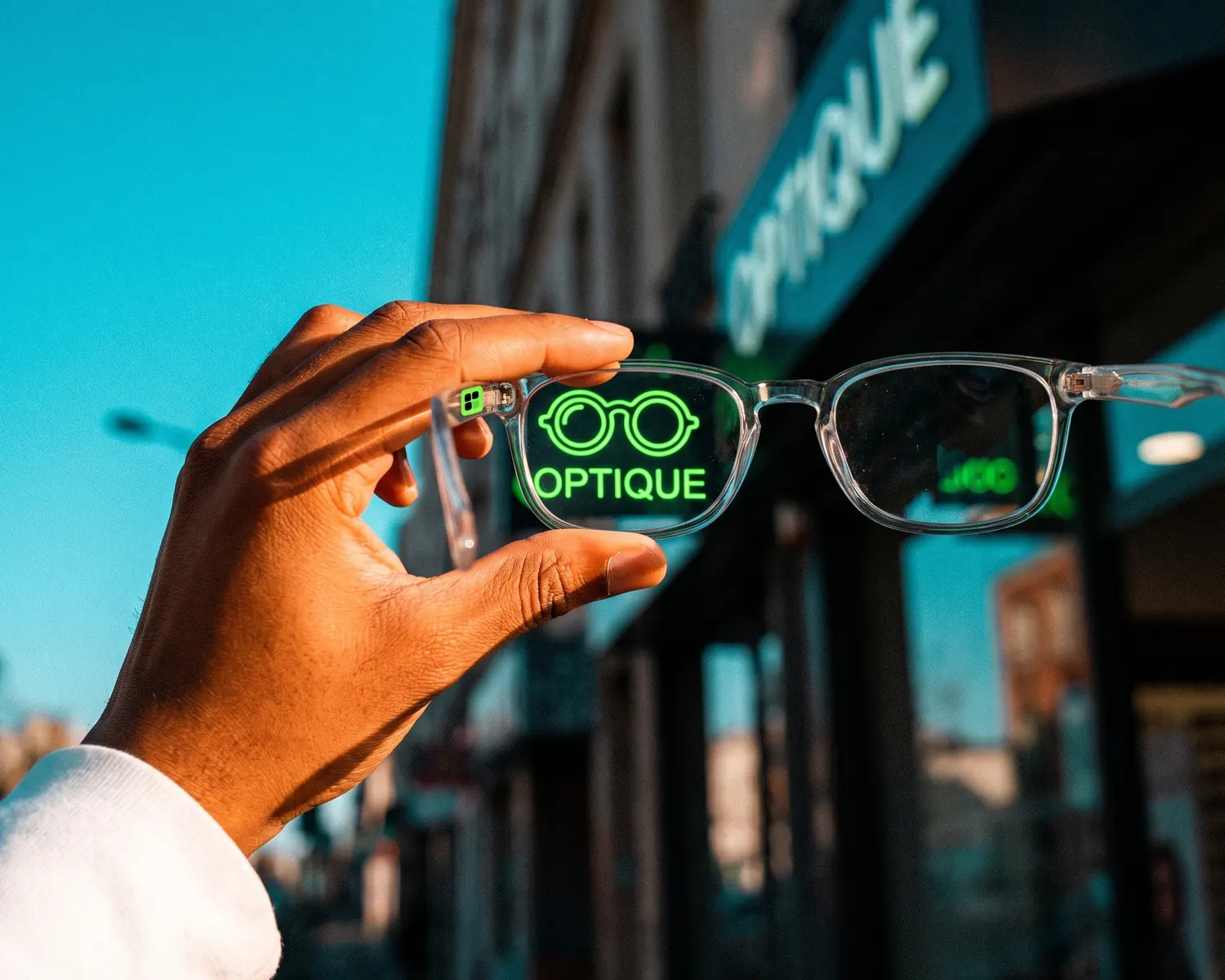
To unblur an image, you run it through an AI tool that pulls smeared edges back into focus. Free online unblur tools (Canva, Picsart, PicWish) handle light blur in seconds. On heavy blur, text or a logo, the tool starts guessing: switch methods.
Can you really unblur an image?
Yes, a blurry image can be unblurred as long as the blur is mild: the edges are still there, just spread over a few pixels, and AI is good at tightening them back up. The stronger the blur, the less real detail is left to recover. Past a certain point, the tool is no longer restoring your photo; it’s painting a believable version of what the photo might have shown.
Keep that in mind: an unblur tool produces something plausible. On a landscape or a holiday snapshot, nobody will mind. On a document, a face or a license plate, the result can be crisp and wrong at the same time.
Motion blur, missed focus or compression: which one can be fixed?
Motion blur and out-of-focus blur can be fixed reasonably well when they’re moderate, while compression blur barely can. They come from different places:
- motion blur happens when the camera or the subject moved during the shot: edges are stretched in one direction, and recent tools can often pull them back;
- out-of-focus blur happens when autofocus locked onto the wrong spot: the whole subject is evenly soft, which AI handles well if the miss is small;
- compression blur happens when an image went through a messaging app or social network: detail was thrown away to shrink the file, and no tool truly gets it back.
To figure out your case in a minute and choose between sharpening, upscaling or vectorizing, see how to sharpen an image based on what caused the blur.
How do you unblur an image for free online?
To unblur an image for free, open an online unblur tool in your browser, drop in the photo, and download the result only after comparing it with the original. A quick test needs no software and no account, on a computer or a phone. Three habits make the difference:
- Start from the original file. A photo saved from WhatsApp or a screenshot has already lost detail: ask whoever took it for the original.
- Run it once. Feeding the image through the same tool twice adds bright halos around the edges instead of extra sharpness.
- Zoom in to compare on what matters most (eyes, lettering, an edge). If a detail changed, keep the original.
How do you unblur an image in Photoshop?
In Photoshop, a blurry image is fixed with Smart Sharpen (Filter > Sharpen > Smart Sharpen), which lets you set the amount, the radius and the kind of blur to undo. Pick Motion Blur for camera shake, Gaussian Blur or Lens Blur for missed focus, then push the amount until light halos appear, and back off slightly.
Photoshop beats online tools when only one area needs fixing: duplicate the layer, add a mask, and the sharpening only touches the face or the product.
How far can AI go in removing blur?
AI removes blur as long as there are edges left to tighten, and it stops where invention takes over. Three cases show the limit:
- blurry text: unreadable letters come out as readable ones, but not necessarily the right ones; never copy a number or a name read off an unblurred image;
- faces: the tool builds believable features that may not look like the actual person;
- deliberate blurring: a face or plate blurred on purpose can’t be “decoded”; the tool only guesses.
Blurry or pixelated: is it the same fix?
No, a pixelated image doesn’t get the same treatment as a blurry one: pixelation shows visible colored squares, blur shows soft edges. An image that’s too small and was stretched needs an upscaler, covered in how to upscale an image without losing quality. The full picture, photo or logo, is in our guide to unpixelating an image.
What if the blurry image is a logo?
A blurry logo shouldn’t be unblurred; it should be vectorized, meaning redrawn as shapes (a vector file: drawn outlines instead of a grid of tiny squares) that stay sharp at any size. An unblur tool built for photos leaves ragged edges and blotchy flat colors that a print shop will reject. Why logos come out soft on paper is explained in blurry logo when printed, and the step-by-step fix in how to fix a pixelated logo.
See your blurry logo sharp, full size and for free
On Depixelise, you upload the blurry logo as it is, a JPG, PNG, WebP or SVG under 10 MB, and the redrawn version shows up large on screen, next to the original. Zoom in on the letters and edges and judge for yourself. By email, you get four ready-to-use files: SVG for the print shop, transparent PNG for screens, plus one-color and negative versions. Your blurry logo gets a second life at zero cost: Depixelise is 100% free, asks for no login, and stamps nothing on your artwork.
FAQ
Why does my photo look blurry when it looked sharp on my phone?
A phone screen shows the photo small, which hides slight blur. Blown up on a computer or printed, the same image reveals the shake or the missed focus. Check important shots by zooming in right after you take them.
Can you unblur a photo on an iPhone or Android?
Yes, an online unblur tool runs in your phone’s browser with no app to install. Built-in photo editors also offer a sharpness slider, weaker than an AI tool but enough for very light blur.
Can blurry text in an image be made readable?
Slightly blurry text often becomes readable again, but AI may swap one letter for another. For an important document, find the original or retake the photo rather than trusting rebuilt text.
Does unblurring reduce image quality?
Pushing it too far does: bright halos around edges, amplified grain, skin that looks plastic. A moderate setting, applied once, keeps the result natural.
Can you unblur a still taken from a video?
Yes, a video still can be unblurred like a photo, but results are often limited: a video frame is usually more compressed than a photo and shot with a slower shutter, so it carries more motion blur. Pick the sharpest frame in the clip before processing it.