DXF File: What It Is, How to Open It, How to Make One
DXF is the file laser cutters and CNC machines read. How to open one for free and turn your logo into a DXF without any CAD software.
By Gaël Pons
Published
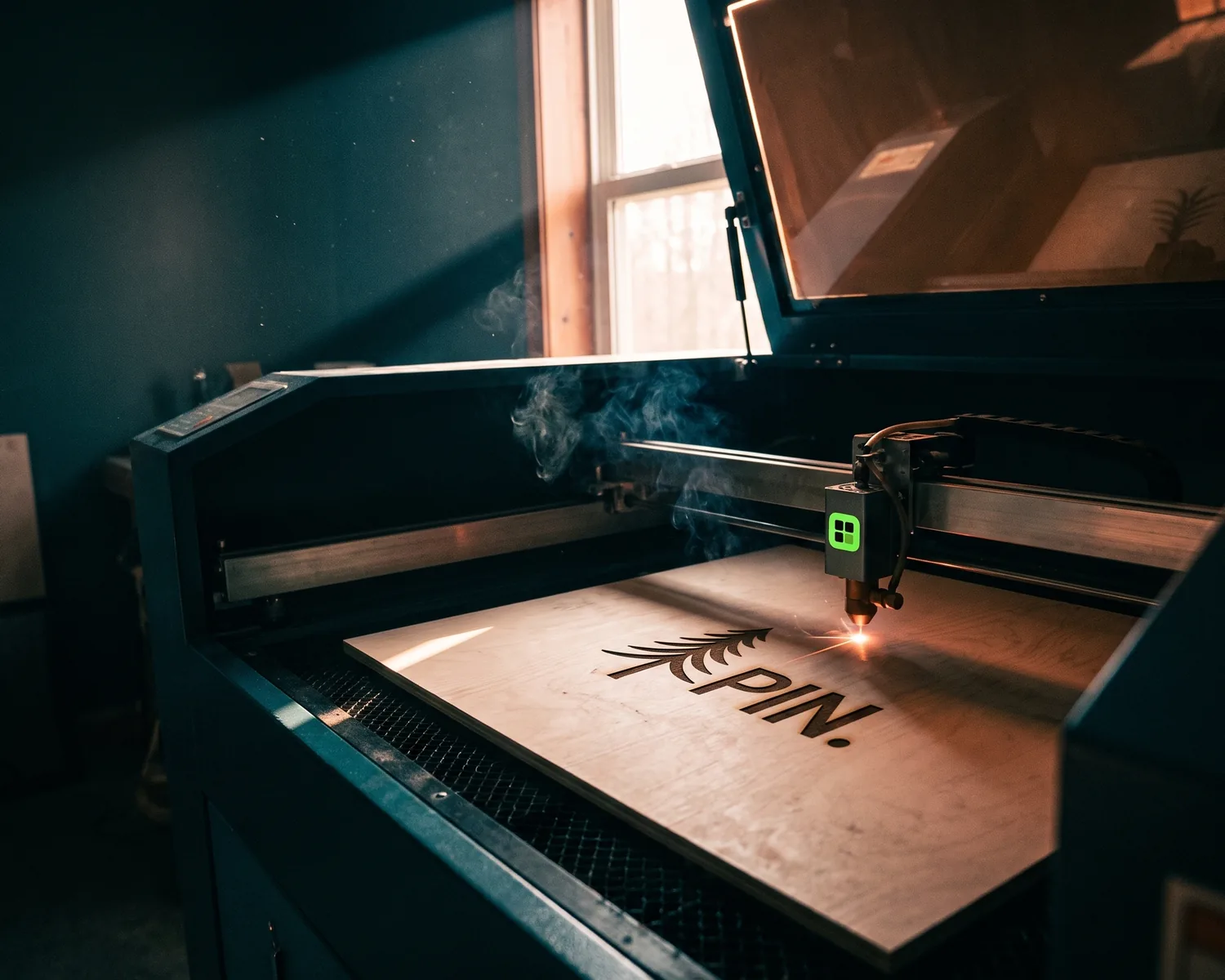
A DXF file is a drawing made of lines and curves that cutting and engraving machines follow: laser cutters, CNC routers, plasma and vinyl cutters. You can open one for free in LibreCAD or Inkscape, and you can make one from your logo without CAD software, starting from an SVG.
What is a DXF file?
A DXF file (Drawing Exchange Format) is an open file format that Autodesk, the company behind AutoCAD, introduced in 1982 so technical drawings could move between different CAD programs. The extension is .dxf, and inside it is usually plain text: a list of lines, arcs, circles and curves with their exact coordinates.
Like every vector file, a DXF records shapes rather than a mosaic of colored pixels. A circle is stored as a center point and a radius, not as thousands of dots, which is why a machine can follow it precisely whether the part is the size of a keychain or a storefront.
What is a DXF file used for?
A DXF file tells a machine where to move its tool: the laser burns or cuts, the router bit carves, the blade slices. You’ll usually be asked for one in these situations:
- laser engraving on wood, leather, acrylic, glass or metal (plaques, awards, corporate gifts);
- CNC cutting of metal, acrylic or plywood, for example a logo or letters that stand out from a wall;
- signs and lettering, where cut letters start from an exact plan;
- vinyl and stencil cutting on some cutting machines.
If the shop prints rather than cuts, it almost never needs a DXF: an SVG or a vector PDF will serve it better.
How do you open a DXF file for free?
A DXF file opens for free in three kinds of tools, depending on what you need to do with it:
- To look at it: an online viewer such as Autodesk Viewer shows it in your browser with nothing to install. That’s enough to check a file before you send it.
- To edit it as a technical drawing: LibreCAD (2D only) and FreeCAD are free, open-source CAD programs that read and save DXF.
- To edit it as a logo: Inkscape, also free, imports a DXF and lets you work on it like any other vector drawing.
Double-clicking a .dxf often does nothing, or opens it in Notepad as a wall of text: your computer simply doesn’t know which program goes with it. Open the program first, then load the file from its File menu.
How do you turn your logo into a DXF file?
You turn a logo into a DXF file in two stages: first get a clean vector version (an SVG), then export it as DXF. There’s no reliable shortcut from JPG straight to DXF, because a pixel image holds no outlines for a machine to follow.
- Start from an SVG. A logo you only have as a JPG or PNG needs to be vectorized first. If you already have an SVG, zoom in to make sure it holds real shapes (what an SVG file is and how to tell a real one).
- Open it in Inkscape, go to File > Save a Copy, and pick one of the DXF options in the file type list (Inkscape offers more than one; if unsure, ask the shop which version its machine prefers).
- Turn text into shapes before exporting, otherwise the machine will run into a font it doesn’t have. In Inkscape, Path > Object to Path does it.
- Double-check the size. A DXF doesn’t always carry its unit of measure, so a 4-inch logo can show up at the shop as 4 millimeters. State the size you want in your message.
If you still have the original Illustrator file for your logo, the shop can often produce the DXF itself; see what an AI file contains.
Why would a shop reject a DXF file?
A shop rejects a DXF file when its machine can’t follow it cleanly, and the reasons are nearly always the same:
- open outlines: a shape that doesn’t close can’t be cut out, because the blade has no end point;
- duplicate lines stacked on top of each other: the laser passes twice and scorches the material;
- gradients, shadows or effects: the machine either cuts or doesn’t, so it can’t read a shade;
- details too thin for the tool: a line thinner than the laser beam or the router bit simply vanishes;
- a pixel image pasted into the file: the machine ignores anything it can’t follow.
Most of these problems go away when you start from a one-color version of the logo, with bold, closed shapes.
Where do you get a one-color version of your logo for engraving?
A one-color version of your logo, the base for any engraving or cut, comes included when you run your image through Depixelise, so nobody has to strip the colors out by hand. Bring whatever you have, as long as it’s under 10 MB and saved as PNG, JPG, WebP or SVG. About ten seconds later, the redrawn logo appears full size beside your original, with a zoom to check every edge up close. Your inbox gets four attachments: the single-color version, the color SVG, a 2000 px PNG with a see-through background, and a white-on-dark negative. It’s 100% free, with no account to create and no watermark on your files. The pack has no DXF in it, so open the single-color SVG in Inkscape and export it as described above. One caution with two-color logos: once flattened to one shade, a word can merge into the shape behind it, so zoom in before you send it.
DXF, SVG or DWG: which one should you send?
Send a DXF to a shop that cuts or engraves, an SVG to almost everyone else, and a DWG only to a drafter working in AutoCAD. DWG is AutoCAD’s own working format; DXF is the exchange version that other programs can read. Many engravers also take a clean SVG and convert it themselves, so ask before making an extra file. For printing, the choice between SVG, EPS and PDF is covered in SVG vs EPS vs PDF.
FAQ
Does a DXF file keep the logo’s colors?
A DXF file can hold colors, usually sorted into layers, but the machine reads them as instructions (this color gets engraved, that one gets cut) rather than as a look. For the shop, only the shape matters.
Can you open a DXF file on a phone?
Yes, an online viewer shows a DXF in your phone’s browser, and viewer apps exist for iOS and Android. To edit one, a computer is far more comfortable.
Can a DXF file contain a photo?
A DXF file can link to an image, but a cutting or engraving machine can’t do anything with it. A photo first has to become a flat-color drawing, which changes how it looks quite a bit.
Why does my DXF file open blank?
A DXF file that opens blank usually holds a drawing placed far from the origin point, or saved in a different unit, so it sits off screen or tiny. Use the view command that fits the whole drawing on screen before deciding it’s empty.