Free t-shirt mockup, in photo and 3D
Your logo on a t-shirt, hoodie, sweatshirt or tote bag, as a realistic photo or in 360° 3D. Free, no sign-up.
Drag to rotate
Your logo
This file does not open as an image. Try a PNG, JPG or SVG.
Blurry or pixelated logo? Vectorize it for free.
Product
Garment color White
Print area
Print color
Get my mockup in HD
Free, as an attachment, straight to your inbox.
The file your printer needs
A mockup shows the result. To print sharp, the shop will ask for your logo as a vector: Depixelise prepares it for free, as SVG, HD PNG, one-color and negative versions, by email.
Vectorize my logo for free →Free 3D mockup: spin your garment
Depixelise’s mockup generator is free: it puts your logo on a t-shirt, hoodie, sweatshirt or tote bag, as a realistic photo or in 360° 3D, with no sign-up and no software to install.
Pick “3D 360°” above the preview: the garment switches to 3D and slowly turns. Drag it with your mouse or finger to see the logo from the front, at three-quarters or from the back. Color, print area, size and print color update live.
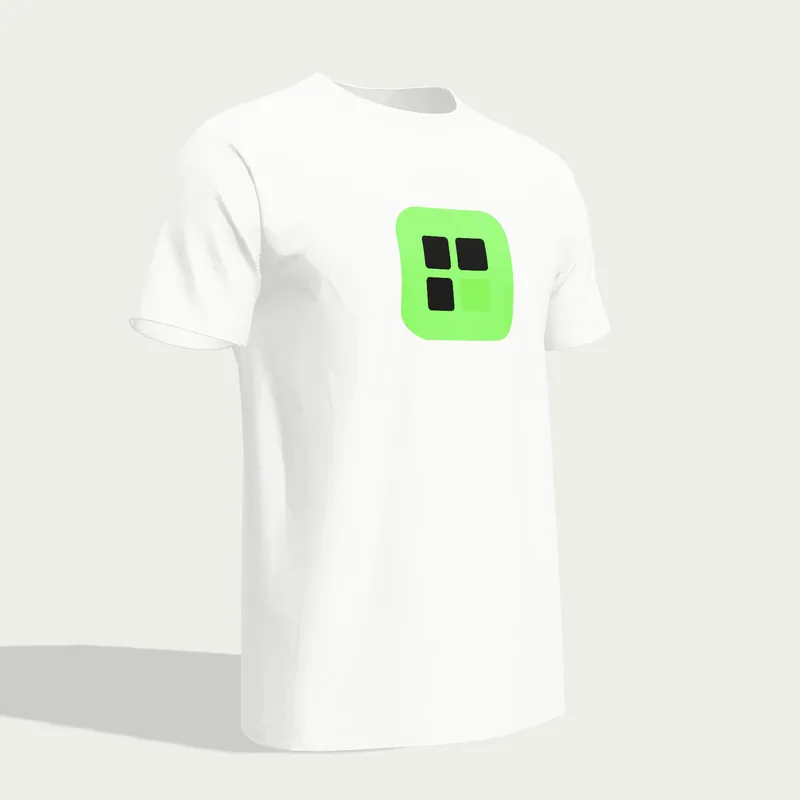
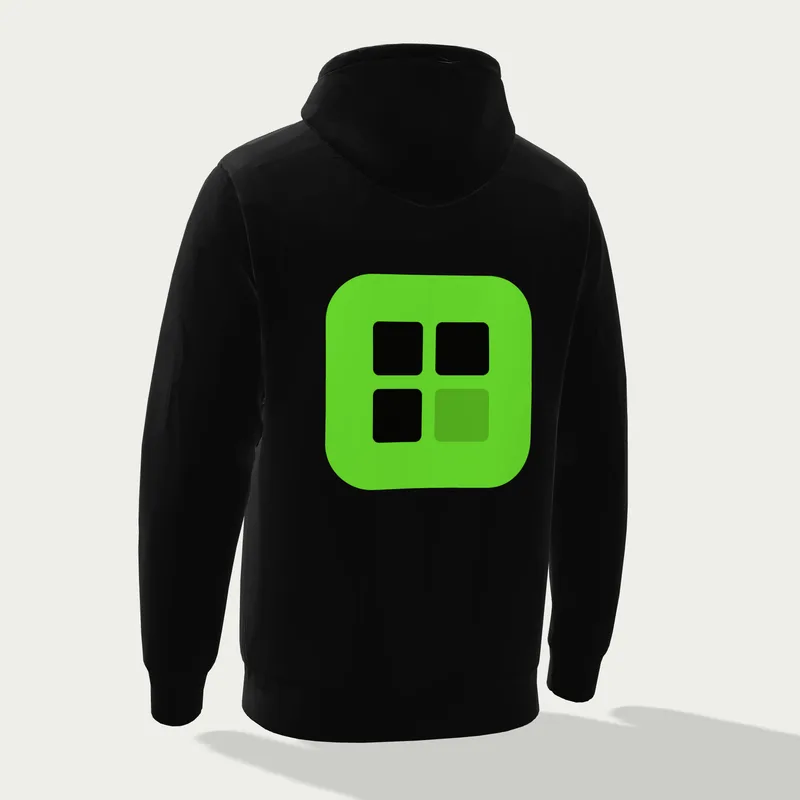
A faithful mockup, not a sticker
Each garment is a ghost mannequin photo: it keeps its volume with nobody inside. Your logo picks up the light and shadows of the fabric and bends slightly with the folds, like a real print.
On a dark garment, a black or dark single-color logo switches to white automatically: that is the “negative” version printers ask for on dark fabrics. A photo or a multicolor logo keeps its colors, as in direct-to-garment (DTG) printing. You always choose the final version.
Hoodie and sweatshirt mockups
A hoodie takes a logo on the left chest, center chest or back; the hood covers the back of the neck, so that spot isn’t offered. The crewneck sweatshirt adds the back of the neck, handy for a small signature. Both come front and back.
Tote bag mockup
The tote bag is printed in the center of the front panel, between the handles. Flat-color logos and line art look best there; the back of the bag isn’t offered.
Front and back t-shirt mockup
Pick “Back” or “Back of neck” in the print areas: the t-shirt turns around and the logo lands on the back, like a team shirt or event merch.
Before you send your logo to the printer
A mockup shows the result; it does not replace the file. To print sharp, the shop will ask for a vector file (SVG, PDF or AI) and often a one-color version. Get the free print pack.
Frequently asked questions
Is the 3D mockup free?
Yes. The photo and 3D previews are free with no sign-up, on all four products. The HD mockup sent by email is free too.
Can I see the back of the garment?
Yes. In 3D, spin the garment 360°. To print on the back, pick “Back” or “Back of neck” in the print areas: the logo lands there, in photo and in 3D. The tote bag is printed on the front only.
Do I need to install any software?
No. Everything runs in your browser, on a computer or a phone. The 3D view needs a recent browser; on an older device, the photo preview is still available.
Is my logo sent anywhere?
No. It is read on your device and only leaves your browser if you ask for the HD mockup by email.
How do I get the mockup in HD?
Click “Get this mockup in HD” and enter your email: the photo mockup arrives as a high-resolution attachment.