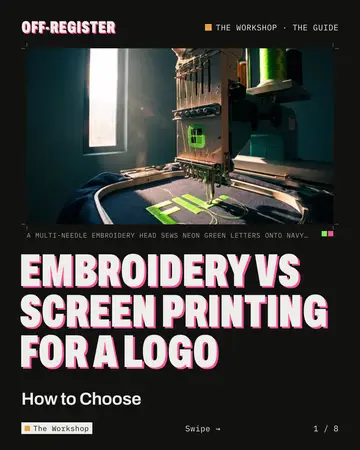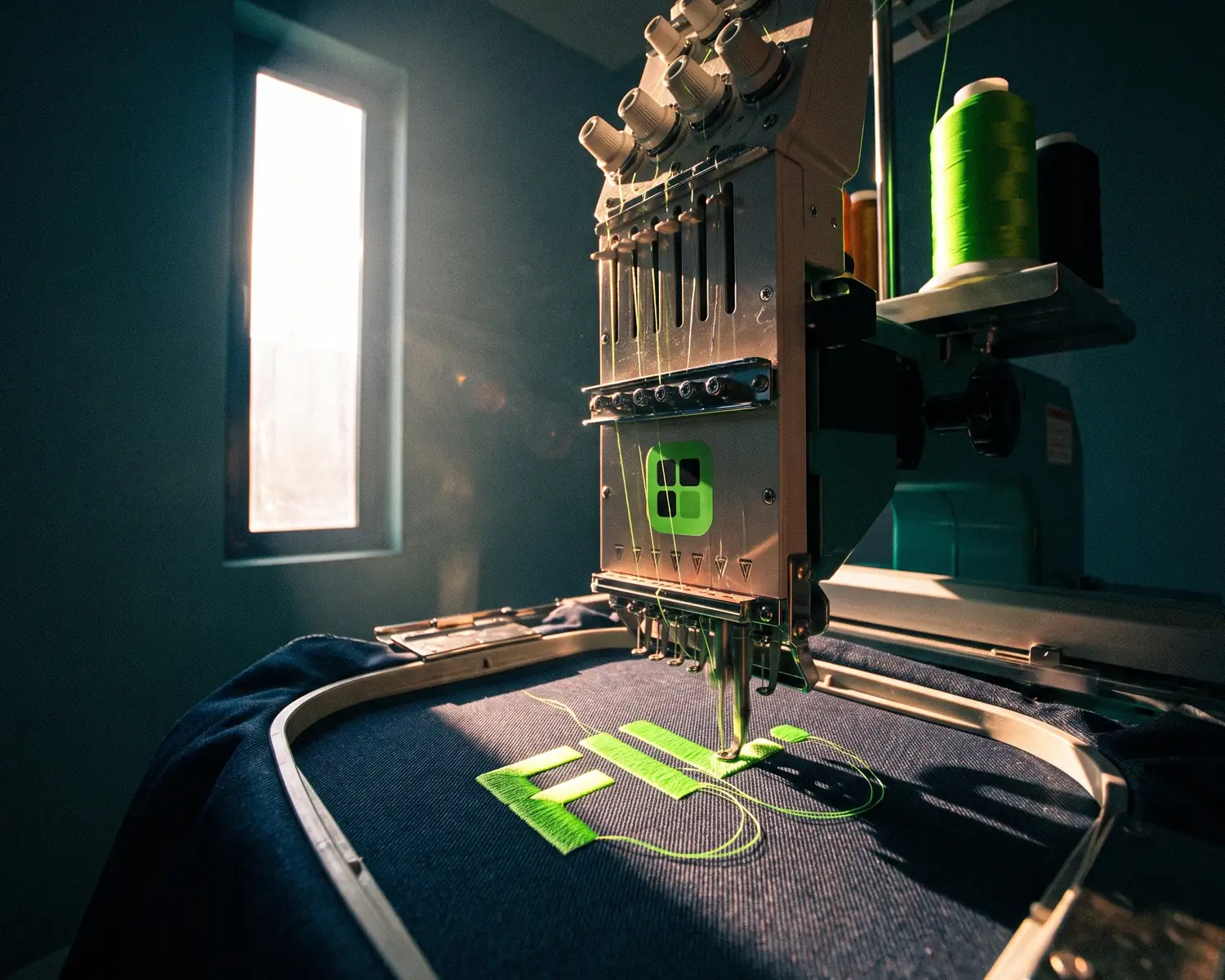
Proof 0073 · Depixelise illustration (generated image), fictional brand
Embroidery vs screen printing depends on the garment and the design. Pick embroidery for a small logo on caps, polos and jackets; pick screen printing for larger designs in a few solid colors on t-shirts and hoodies. Embroidery stitches thread into the fabric, screen printing pushes ink onto it.
| Embroidery | Screen printing | |
|---|---|---|
| How it’s made | Thread stitched through the fabric by a computer-guided machine | A squeegee drives ink through the open parts of a stencil; each color gets its own screen |
| Look and feel | Texture of stitched thread | A layer of ink, plasticized (plastisol) or soft (water-based) |
| Fine detail | Satin stitch handles narrow shapes and lettering, down to a limit | A finer mesh holds more delicate detail |
| Colors | One thread per color; gradients simplified into solid shades | One screen per solid color; photos printed as dots |
| Best on | Caps, polos, jackets, work and team wear | T-shirts, hoodies, tote bags, large chest or back designs |
| Wear | No ink layer to crack; no independent wash data | Plastisol can stay bright for years on light fabric; under-cured ink can crack; no independent wash data |
| Before the first piece | A stitch file built once from your logo | A film and a screen for each color |
| Logo file | A vector file (made of shapes, not pixels) or a clean image; the shop builds the stitch file | Vector file with each ink as a flat color, plus Pantone numbers |
Embroidery vs screen printing: what is the difference?
The difference between embroidery and screen printing is what ends up on the garment: embroidery uses a needle to stitch thread into the fabric, while screen printing pushes ink through a fine mesh, except where a stencil blocks it.
Logos are usually embroidered by machine today: in machine embroidery, the fabric is held taut in a hoop and moved under the needle, following a digitized embroidery file. In screen printing, each ink gets its own screen, with a stencil made from a film of that color; a squeegee pushes the ink through, so a three-color logo needs three films and three screens. The shop’s routine is in our guide to screen printing a logo.
How do embroidery and screen printing look and feel?
Embroidery leaves stitched thread you can see and feel on the garment, while screen printing leaves a layer of ink whose feel depends on the ink. Thread gives the classic look of a branded polo: polo shirts have carried embroidered emblems since the 1920s.
On the printing side, plastisol, the ink most used on garments, “tends to sit atop the fabric instead of soaking into the fibres”, which gives the print a raised, plasticized texture. Water-based inks, Wikipedia’s screen printing entry adds, can feel soft because they soak into the fabric.
Screen printing vs embroidery: which handles fine detail and small text?
Screen printing generally keeps finer detail than embroidery, because a screen can be made with a finer mesh for delicate designs, while embroidery draws every shape with thread that has a width of its own. Machine embroidery handles narrow shapes and lettering with satin stitch, but small letters close up below a certain height: the smallest readable text is covered in our logo embroidery guide. Check very thin strokes on a screen print too.
How many colors can each method handle?
Embroidery and screen printing both handle several colors, but each color adds a step: a different thread in embroidery, a separate screen in screen printing. On a single-needle machine, Wikipedia explains, the operator changes the thread for each color; multi-needle machines are threaded before the run, and some change colors on their own. A gradient usually has to be simplified into a few solid shades of thread.
In screen printing, each solid ink works as a spot color, printed in its own run; Wikipedia’s spot color page notes that cost and potential problems rise with each one added. For photos, the four-color process simulates many colors with four screens of dots (halftones), at the cost of less vivid color, according to the screen printing entry.
Which garments suit embroidery, and which suit screen printing?
Embroidery suits caps, polos, jackets and work or team wear, while screen printing suits t-shirts, hoodies, tote bags and large designs across a chest or a back. Wikipedia lists business shirts, jackets and team apparel among the uses of machine embroidery; on a baseball cap, the team logo is usually embroidered into the fabric, and some machines take caps on special frames. Cap styles are compared in our guide to custom embroidered hats.
Embroidery covers big areas with fill stitches, so a large design tends to end up heavier and stiffer than ink. Screen printing lays one pass per color whatever the area, and it’s the most widely used way to print fabric, according to Wikipedia’s textile printing page. Thin t-shirts are a special case for embroidery, explained in our custom embroidered t-shirt guide.
Which lasts longer, embroidery or screen printing?
In principle, embroidery tends to outlast a screen print, because thread sewn through the fabric has no ink layer to crack or peel. No independent source gives a wash count for either, though: online figures come mostly from businesses selling one or both. Machines also often add lock stitches at the start and end of each section so the thread doesn’t unravel, Wikipedia notes.
Curing is the step to watch on a screen print: ink that doesn’t cure fully can crack, Wikipedia warns. On lighter fabric, plastisol “can retain a bright image for many years with proper care”, says Wikipedia’s plastisol entry.
What does each method need before the first piece?
Both methods need a one-time setup before the first piece: embroidery needs a stitch file built from your logo, and screen printing needs a film and a screen for each color. Creating an embroidery design file “may take hours depending on the complexity of the design”, Wikipedia says, and it can be reused for later orders of the same logo.
That setup is split across every piece, so it adds more per piece on a small batch. No neutral source names the quantity where one method becomes cheaper: get a quote for each at the number of pieces you need.
Embroidery or screen printing: what should your logo get?
Embroidery suits small logos on caps and polos, screen printing bigger or finer designs on tees, as five common orders show:
- Fifty white cotton tees for a club, one-color logo. Screen printing: one screen covers the whole batch, and a water-based ink can soak into light cotton.
- Staff polos and caps with a small logo. Embroidery: thread is the classic polo and cap look, with no ink to crack.
- A full-color illustration across the back of hoodies. Screen printing in the four-color process; embroidery would mean a huge fill and a simplified image. For one piece or a photo, see DTF vs DTG.
- A logo with a fine tagline, on the left chest. Screen printing if the tagline must stay; with embroidery, keep the symbol and the name.
- Caps and t-shirts for the same event. Both: embroidery on the caps, screen printing on the shirts, from the same vector file.
What file should you send for embroidery and for screen printing?
For embroidery, send a vector file of your logo, or the cleanest image you have, with the stitched size and the thread colors; the embroiderer turns it into a stitch file (the step known as digitizing). For screen printing, send a vector file where every ink is a single flat color, each with its Pantone reference.
The stitch file is built in embroidery software, where the stitches and the color sequence are planned, then saved in the machine’s own format, such as .DST or .PES. An SVG gives the embroiderer clean outlines to start from, but it doesn’t run on an embroidery machine by itself. Name the garment and fabric too: Wikipedia counts design size and fabric type among the variables that affect the result.
Screen printing works from one film per color, so the file has to split cleanly into flat areas of color; gradients and shadows are either dropped or printed as halftone dots. Pantone, which Wikipedia calls the dominant spot color system in the United States and Europe, gives each ink a number your printer can match. Background and font checks are in our print-ready logo checklist.
How can you check the size and contrast before ordering?
To check the size and contrast before ordering, try your logo in our free mockup generator, which works on your device: the file goes nowhere unless you ask for an HD copy by email. Pick the garment (t-shirt, hoodie, sweatshirt or tote bag; no caps or polos), one of nine colors or a hex code, then where the logo sits and its size.
Print color, set to Black or White, shows how a single-color version reads, for one thread or one ink. Your logo is drawn as a print that picks up the light, shadows and folds of the fabric, in a photo or a 360° 3D view: no stitches, no relief, so treat it as a check of size and placement. A mockup isn’t a proof either, as what a mockup is explains.
Your logo in one color, for one thread or one screen
One thread color on a cap, one ink on a tee: that single-color version is better drawn from your file than improvised at the shop. When your logo is stuck in a JPG or PNG, Depixelise rebuilds it as shapes and puts the one-color version in the pack. It accepts a JPG, PNG, WebP or SVG weighing up to 10 MB, and the converted logo shows up large within about ten seconds, background gone, ready to zoom. It costs nothing, asks for no account and adds no watermark: 100% free.
The email brings four files: the SVG, a 2,000-pixel PNG on a transparent background, an all-black version and an all-white one for dark garments. Your screen printer can split the SVG into colors, and your embroiderer can start the stitch file from it; Depixelise doesn’t create stitch files. In the all-black version, lettering on a colored shape turns black with it and can vanish; a tiny original is enlarged and rebuilt, so check both.
FAQ
Can one garment have both embroidery and screen printing?
Yes, one garment can carry both, since they are separate steps: an embroidered logo on the left chest and a screen-printed design on the back, for example. Send the same vector file to each shop involved.
What is puff print, and does it look like embroidery?
Puff print is a screen print made with expanding ink, an additive to plastisol that raises the print off the garment for a 3D feel and look, according to Wikipedia. It adds relief, but it’s still ink, with no stitches.
What thread is used for machine embroidery?
Machine embroidery is most often done with rayon thread, and polyester thread can be used too, Wikipedia explains. Cotton thread is avoided because it tends to break.
Which works better on a black hoodie, embroidery or screen printing?
Both work on a black hoodie: embroidery thread keeps its own color whatever the fabric, and screen printers can use plastisol, an ink with good color opacity on dark garments, according to Wikipedia. Ask whether your design needs a white layer underneath, which adds a screen.
How to make it
See your logo on the garment
T-shirt, hoodie, sweatshirt or tote bag, in the color you want. Free, no sign-up.
Make my mockupSources and credits
Credits
Depixelise illustration (generated image), fictional brand