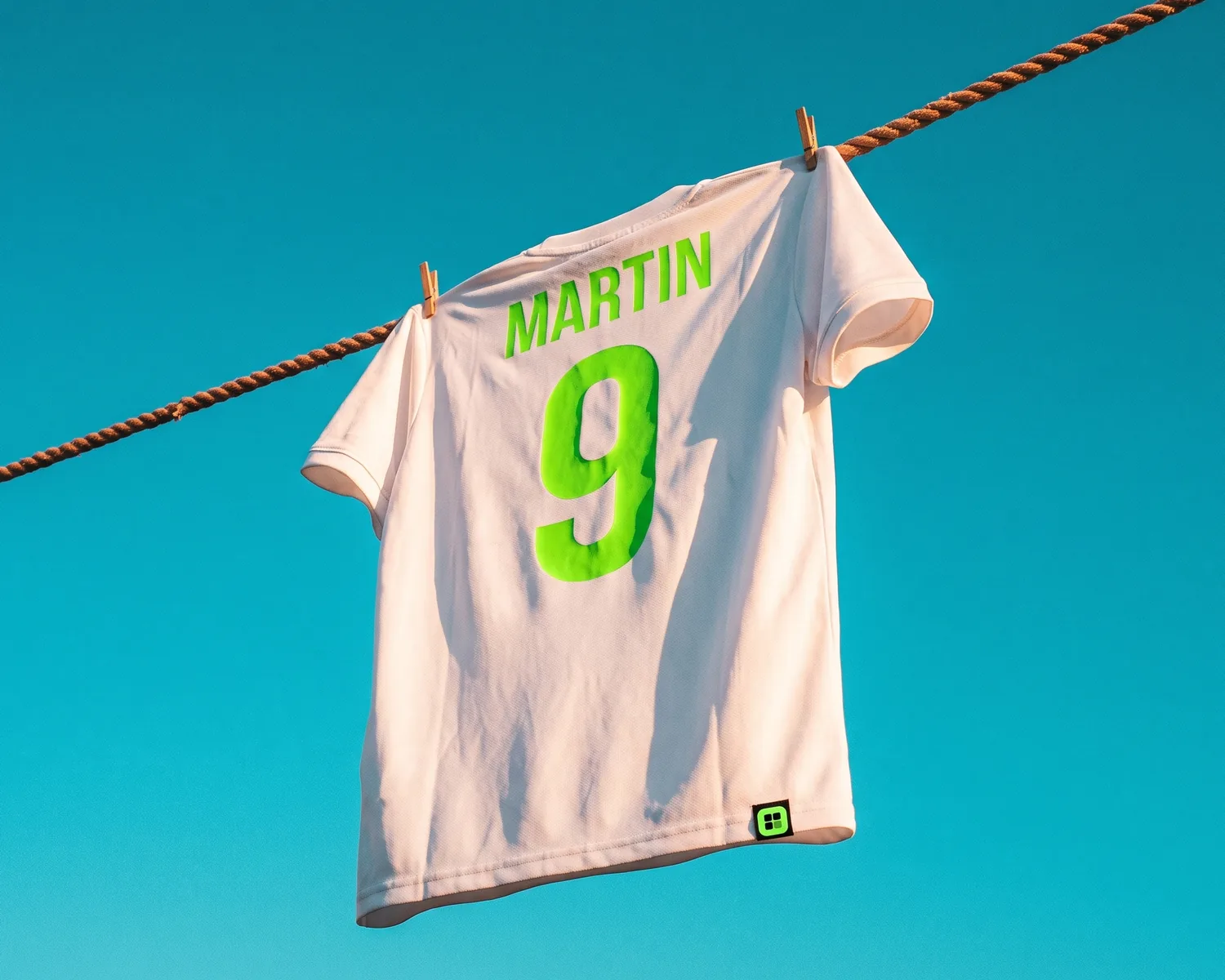
Proof 0075 · Depixelise illustration (generated image), fictional brand
Sublimation vs DTF comes down to the fabric. Pick sublimation for white or light polyester, where the dye goes into the fibers instead of sitting on them; pick DTF (direct-to-film) for cotton, dark garments or a logo with white in it, since its print sits on top, white ink included.
| Sublimation | DTF (direct-to-film) | |
|---|---|---|
| How it prints | Dye printed on paper, heat-pressed into the item | Colors and white printed on film, heat-pressed onto the garment |
| Fabrics | Polyester and polymer-coated items; not 100% cotton | Not tied to the fiber: the print is glued on |
| Garment color | White or light | Any, black included |
| White in your logo | Not printed: the fabric color shows through | Printed in white ink |
| Feel | Nothing on the surface | A layer you can feel, plastic-like |
| Wash and wear | Won’t crack, fade or peel under normal conditions | No independent wash data; iron inside out |
| All-over prints and mugs | Edge to edge; also mugs and other coated items | A transfer the size of the design, on garments |
| Small orders | Unit cost similar for short and long runs | Suited to low-quantity jobs |
| Logo file | JPG or PNG with enough pixels; no white that has to show | Transparent PNG with enough pixels |
Sublimation vs DTF: what is the difference?
The difference between sublimation and DTF is where the color ends up: sublimation moves dye into the material itself, while DTF bonds a printed layer onto the surface of the fabric. Wikipedia’s dye-sublimation printing entry says the dye is transferred “at the molecular level into the substrate.”
For sublimation, an inkjet printer puts the design in mirror image on coated transfer paper, then a heat press moves the dye into the shirt or the mug. For direct-to-film printing, the design is printed on a PET film with white ink behind the colors and an adhesive powder fused on top; the press bonds that print to the garment, and the film is pulled off.
Can you sublimate on cotton?
Standard sublimation doesn’t work on 100% cotton: the process “requires synthetic fabrics for the ink to take hold,” according to Wikipedia’s T-shirt entry. The textile printing entry explains the split: dye-sublimation ink made it possible to print onto polyester, while cotton and linen take reactive ink.
The transfer paper entry lists polyester, nylon and microfiber, and says, without citing a source, that a blend should be at least 50% polyester; the cotton share takes no dye. It adds that transfer papers now exist for natural fibers such as cotton, so ask your shop what it uses.
DTF has no such fiber rule, because the print is glued to the fabric rather than dyed into it: Wikipedia says DTF works on a wider variety of materials than direct-to-garment printing, with no pretreatment.
Why can’t sublimation print white or go on dark shirts?
Sublimation can’t print white or brighten a dark shirt, because dye only filters the light that the fabric already reflects. Sublimation prints in CMYK, and in that model inks reduce the light reflected from a white or light background: “White is the color of the substrate,” says Wikipedia’s CMYK entry.
That is why sublimation fabrics “historically had to be white or light in color,” as the transfer paper entry puts it. On black, there is almost no light left to filter, and the design barely shows.
DTF gets around this with its own white: the colors are printed on the film “followed by white ink to create an opaque backing,” says Wikipedia. A white logo prints white on a black hoodie, and a colored one keeps its colors on navy.
DTF vs sublimation: which feels softer?
Sublimation usually has the softer “hand,” the word for how a print feels on fabric, because the color is inside the fibers: Wikipedia’s dye-sub entry, citing a printing handbook, says “the dye does not build up on the fabric.” Comparing the two directly, Wikipedia’s DTF entry describes “a plastic feel” for DTF, with a print that “sits on top of the garment” instead of merging with the cloth. A thin outline logo leaves little ink and adhesive on the shirt; a large filled badge leaves a lot.
Which lasts longer, sublimation or DTF?
Sublimation usually lasts longer, because nothing sits on the surface to crack or peel: Wikipedia says sublimated prints “will not crack, fade or peel from the substrate under normal conditions,” and that the dyed fabric can be washed “without damaging the quality of the image.”
For DTF, the wash counts found online come from sellers of prints, film or machines, not independent sources. Wikipedia’s DTF entry advises ironing the garment inside out, never directly on the print.
Which works for jerseys, mugs and all-over prints?
Sublimation suits all-over jersey designs and hard items such as mugs, as long as they are light polyester or polymer-coated; DTF suits a logo placed on a finished garment, cotton and dark ones included. Wikipedia says sublimation can print “all over the entire item, with no difficulty in printing all the way to the edges,” and lists coffee mugs, phone covers, plaques and mouse mats among items with “sublimation-friendly surfaces.”
On a white or light polyester jersey, stripes, gradients and the crest can run across the whole shirt, in colors Wikipedia calls “extraordinarily brilliant.” For player names and numbers, see our custom jersey printing guide.
Which is better for a small order?
Sublimation and DTF both handle small orders, so quantity rarely decides. Wikipedia’s T-shirt entry says sublimation’s unit cost is “similar for short or long production runs,” and the DTF entry ties DTF to “fine detail and low-quantity jobs” as a complement to screen printing. Cured DTF transfers also keep until pressed: see our iron-on logo guide.
Sublimation or DTF: which should you choose for your logo?
For shirts, mugs or jerseys, the choice rests on the material, its color and the white in your design:
- A full-color crest on 20 white polyester soccer jerseys, with stripes down to the hem. Sublimation: the dye covers the jersey edge to edge, and nothing sits on the fabric.
- A colored logo on black cotton t-shirts. DTF: sublimation needs synthetic fibers and a light fabric, while DTF prints its own white backing.
- White lettering on navy polyester tech shirts. DTF: sublimation has no white, so the lettering would come out navy, like the shirt.
- Your logo on 30 coffee mugs for a club fundraiser. Sublimation, on mugs with a polymer coating: mugs are on Wikipedia’s list of items it decorates.
- One gift shirt with a family photo. Sublimation if the shirt is white polyester, since Wikipedia credits it with continuous tones “equivalent to photographs”; DTF if the shirt is cotton or dark.
What file should you prepare for sublimation or DTF?
For sublimation or DTF, an image file with enough pixels works: Wikipedia’s T-shirt entry says a sublimation design “is first produced in a computer image file format such as jpg, gif, png.” Why a PNG also suits DTF is explained in our DTF vs DTG comparison. The pixels each print area needs are in the t-shirt design size guide. A vector file, drawn as shapes instead of a grid of colored squares, is welcome for both but not required. Sublimation and DTF both print in CMYK, so the shop converts the RGB colors of a PNG; if a brand color must match, give the shop its reference. Where the two differ is white.
For sublimation, check the white in your logo. White isn’t printed, so white lettering inside a red badge stays white on a white shirt but turns gray on a heather gray one, and white text with nothing behind it vanishes into any shirt. A pure white background prints nothing, but an off-white or gray one usually leaves a faint box, so remove it anyway.
For DTF, everything in the file gets printed. DTF backs the colors with white ink, so a white background still in the file becomes a white rectangle around your logo. Send a PNG whose background is truly transparent; the dark-background test is in our print-ready logo checklist. On a black garment, a black logo disappears: send a light version, as shown in white logo on a dark background. If the shop cuts names in heat transfer vinyl, that cutter needs a vector file.
How can you preview the logo on a light or dark garment?
You can preview your logo on a light or a dark garment in our free mockup generator: the logo is read on your device and leaves it only if you request the HD version by email. The four products (t-shirt, hoodie, sweatshirt, tote bag) come in nine shades plus any hex code you enter, with print area, logo size and a 360° 3D view.
On a dark garment, a dark single-color logo is set to white ink automatically, unless you pick Original, Black or White yourself under Print color. If your logo only works in that white version, sublimation is out. The Remove white background box acts only on a plain, light background, and only in the preview: the file you send keeps it.
It has no jersey or mug, shows contrast rather than texture, and doesn’t replace the shop’s proof (see why a mockup is not a proof).
Only a tiny logo for a whole jersey back?
A logo a few hundred pixels wide will look soft across a jersey back or a large DTF transfer, because both processes print pixels, but it can be enlarged and redrawn first. Depixelise does both, and removes the background: send it your logo as a PNG, JPG, WebP or SVG (10 MB maximum), and in about ten seconds the result appears large on screen, where you can zoom to 800%. It’s 100% free: no account to create and no watermark.
By email, you get the SVG, sharp at any print size, a transparent PNG 2,000 pixels wide, and one-ink versions in black and in white, the white one for dark fabrics. An enlarged logo has its shapes rebuilt, so look closely at the lettering before the files go to the shop.
FAQ
Why is it called sublimation?
The name comes from the old belief that the dye turns from solid to gas without becoming liquid. Wikipedia notes this was later shown to be incorrect, since some of the dye liquefies, and that the proper term is dye diffusion, though the old name stuck.
Is sublimation the same as DTG?
No, sublimation is not the same as DTG (direct-to-garment). DTG puts ink on the surface of the garment, while sublimation infuses dye into it: Wikipedia’s dye-sub entry contrasts its “molecular level” transfer with the topical application of screen printing and direct-to-garment printing.
Does a sublimated print fade in the sun?
A sublimated print can fade in strong sun if it uses low-energy sublimation ink: Wikipedia’s digital textile printing entry says its colors fade faster and resist UV less than high-energy disperse direct ink, the stronger kind used for outdoor flags and banners.
Do sublimation and DTF both need a heat press?
Yes, both transfers finish on a heat press; sublimation printed straight onto fabric is heat-set in an oven or on heated rollers. Wikipedia describes the sublimation transfer as “a combination of time, temperature, and pressure,” with settings that vary by item; for either process, the exact settings come from the maker of the paper, ink or film.
How to make it
See your logo on the garment
T-shirt, hoodie, sweatshirt or tote bag, in the color you want. Free, no sign-up.
Make my mockupSources and credits
Credits
Depixelise illustration (generated image), fictional brand