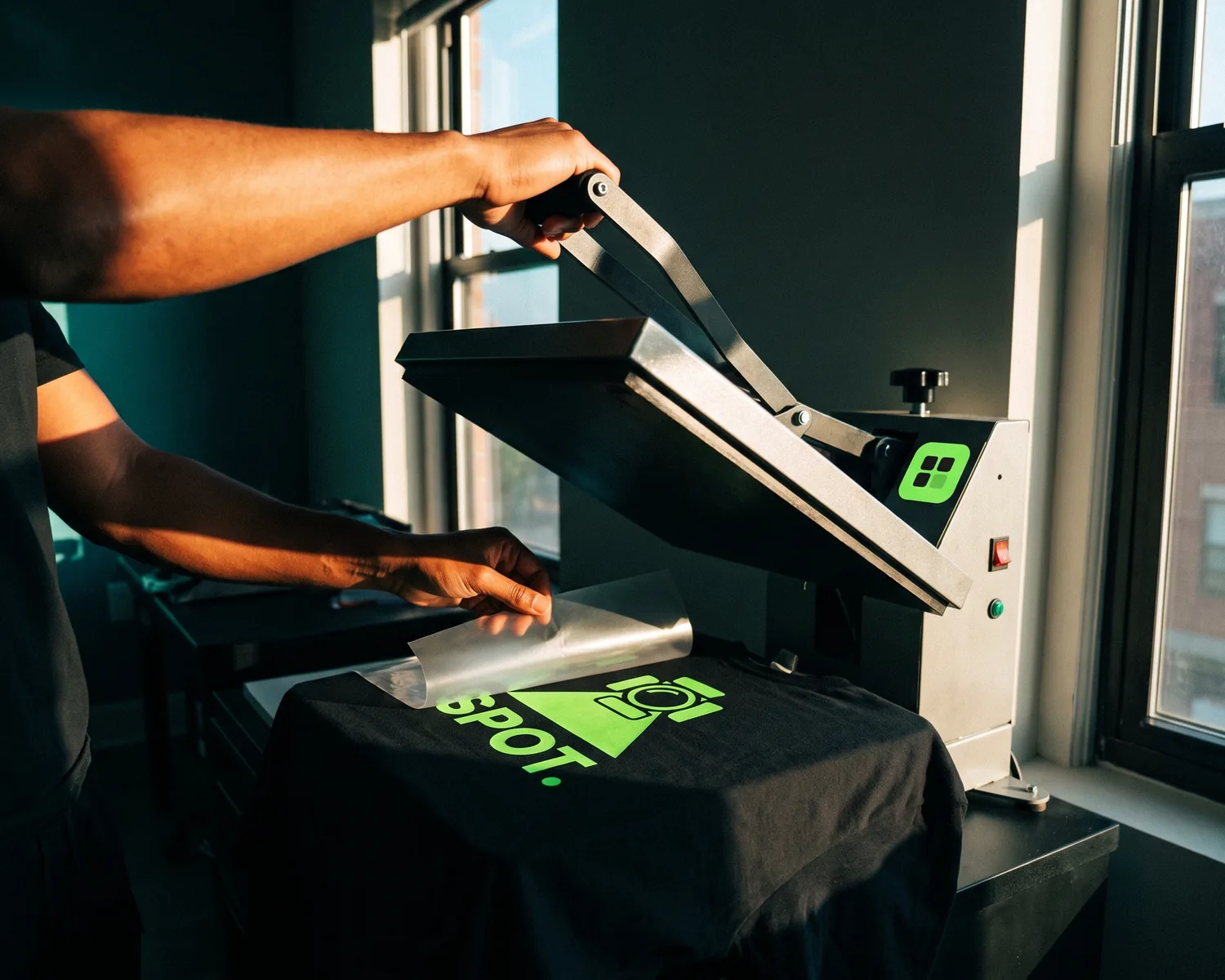
Proof 0078 · Depixelise illustration (generated image), fictional brand
Screen printing vs heat transfer: “heat transfer” covers several methods, cut vinyl (HTV) included. Screen printing suits long runs of one logo in a few solid inks, since one set of screens prints the whole run; vinyl suits a few shirts, or names and numbers that change per shirt.
| Screen printing | Heat transfer vinyl (HTV) | |
|---|---|---|
| How it’s made | Ink forced through the open parts of a stencil, one screen per color | Shapes cut from colored vinyl film, excess peeled off by hand, then heat-pressed |
| Colors and gradients | One ink per screen; photos printed as halftone dots from four screens | One vinyl sheet per color, layered; no gradients or photos from cut vinyl |
| Fine detail | A finer mesh for more delicate detail | Possible, but every small piece means more weeding by hand |
| Feel | Plastisol: raised, plasticized; water-based ink: soft | A plastic film (polyurethane or PVC) bonded to the surface |
| Special finishes | Puff, glitter, metallic, foil, flock | Glitter, flock, holographic, reflective, glow-in-the-dark, 3D puff |
| A few shirts | Screens to prepare before the first print | Nothing to build: the cutter works straight from the file |
| A big batch | Screens reused for the whole run; automatic presses run much faster than manual ones | Every piece cut, weeded and pressed |
| Names and numbers | Classic screens: one stencil per design, so one per name | Each name is one more cut from the file |
| Logo file | Vector file (made of shapes, not tiny colored squares), one flat color per ink | Vector file of closed shapes, one color per vinyl sheet |
Screen printing vs heat transfer: what does each term cover?
Screen printing vs heat transfer sets one method against a whole family: screen printing (or silkscreening) uses a squeegee to push ink through a stencil onto the garment, while “heat transfer” covers any design prepared first, then applied with heat and pressure, usually by a heat press. Wikipedia’s heat press entry lists the common types: heat transfer vinyl cut with a vinyl cutter, printable vinyl, inkjet and laser transfer paper, plastisol transfers and sublimation.
Heat press vs screen printing isn’t quite a fair match, then: the press is a machine that applies heat and pressure for a set time, not a printing method. Plastisol is a screen printing ink, Wikipedia notes, so a plastisol transfer is usually a screen print transfer, pressed on later. DTF, a full-color design printed on film, then pressed, has its own head-to-head in DTF vs screen printing. Transfers you apply at home with an iron are in our iron-on logo guide. When a quote just says “heat transfer,” ask which kind it means.
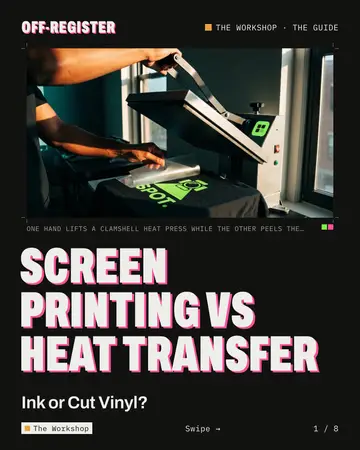
This page sets screen printing against cut vinyl. HTV is a colored plastic film: a machine cuts your shapes, the leftover vinyl is picked off by hand (weeding), and the press bonds the rest, as our guide to heat transfer vinyl shirts shows. Screen printing works ink by ink: “One colour is printed at a time,” says Wikipedia’s screen printing entry, each through its own screen.
How many colors can screen printing and vinyl handle?
Screen printing and heat transfer vinyl both build a logo one color at a time, but vinyl reaches its limit sooner: each color is another sheet to cut, weed and press, and the layers get harder to line up as they pile on. Wikipedia’s heat transfer vinyl entry calls HTV “best used for simple designs with minimal colors.” The plotter entry finds multicolor cutting “cumbersome for more than a couple of hues.”
Gradients are where screen printing vs vinyl splits most clearly. A stand-alone vinyl cutter can’t reproduce photographs or gradients, Wikipedia explains, because every shape is cut from a solid color. Screen printing can still handle a photo through the four-color process, four screens of halftone dots, at some cost in vibrancy.
Which keeps finer detail, a screen or a vinyl cutter?
A screen is usually the safer bet for fine detail: the printer can pick a finer mesh for a delicate design, as Wikipedia’s screen printing entry explains, whereas with cut vinyl, every tiny detail means more weeding. Wikipedia describes weeding as a manual job that takes dexterity, with labor that grows with the amount to weed; the vinyl’s tacky adhesive does hold complex designs together on their carrier sheet.
Thin strokes, tiny lettering and the holes inside letters like “e” all add weeding; with either method, ask for a sample.
How do screen printing and vinyl feel, and how do they wear?
Heat transfer vinyl and plastisol screen prints both sit on the fabric, while water-based screen ink can feel soft because it soaks in, Wikipedia says. Plastisol, the most widely used garment ink, gives a raised, plasticized texture, says Wikipedia’s plastisol entry. Vinyl is itself a film of polyurethane or PVC.
In principle, how long either lasts depends on a heat step done right. Plastisol “will not dry, but must be cured” with heat; vinyl bonds under the press, where accurate time, temperature and pressure are “all essential to the transfer process,” the heat press entry says. We found no independent wash test that compares the two, so follow the care instructions your shop gives you.
Which fits a few shirts, and which a big batch?
Heat transfer vinyl usually fits a few shirts, and screen printing a big batch, because of when the work happens. Screen printing does it up front: each screen is coated, exposed and washed out before the first print, and Wikipedia notes that shops keep manual presses “for small runs and sampling,” while automatic ones are “much faster.”
Vinyl has nothing to build: the cutter cuts your vector file directly on the roll, as Wikipedia’s vinyl cutter entry describes, but every piece is then weeded and pressed on its own. No independent source puts a number on the point where one gets cheaper: ask for two quotes on the same order.
Which handles names and numbers, screen printing or vinyl?
Heat transfer vinyl handles names and numbers easily, because each name is one more cut from the file, while a classic screen carries one fixed design: a different name means a different stencil. The exception is digital hybrid screen printing, an automatic press with a digital color station, which Wikipedia says “is capable of variable data options” (a different print on each piece).
On team uniforms, the two can share the work: the club logo screen printed across the batch, names and numbers in vinyl. Rosters and league number rules are in custom jersey printing.
Screen printing or heat transfer vinyl: what should you order?
Screen printing or heat transfer vinyl depends on the count, the colors and whether every piece is identical, as these four orders show:
- A big batch of identical event tees, two-color logo. Screen printing: two screens serve every shirt, and an automatic press keeps the run moving.
- A handful of staff shirts, one-color logo. Vinyl: a single sheet, nothing to set up, cut straight from your file.
- Team jerseys with a crest, plus a name and number on each back. Both: the crest screen printed across a large squad, or cut in vinyl for a small one; names and numbers in vinyl.
- A logo with a gradient or a photo. Not cut vinyl. Screen printing in the four-color process for a long run; on a few pieces, a printed transfer such as DTF.
Which logo file does each method need?
Heat transfer vinyl needs a vector file, a logo drawn as shapes instead of tiny colored squares, and screen printers usually ask for one too; the cutter’s knife follows every outline, while the screen printer splits the art into one film per ink (color separation).
For screen printing, draw every ink as one flat color, so that the shapes of each color make one film, and note the Pantone number of any color that must match. Gradients and shadows turn into halftone dots, or have to go.
For heat transfer vinyl, the file is the cutting path. Wikipedia’s vinyl cutter entry says the design must be “a vector-based image,” and the plotter entry describes a knife that outlines each shape. Because the knife follows each path as drawn, every shape should be a closed, filled outline: a line drawn only as a stroke (a path given a width) usually gives the knife a single centerline instead of two edges, so convert strokes and text to shapes. Group the shapes by color, one group per vinyl sheet, and leave no background box. Fonts and the other checks are in the print-ready logo checklist.
Before you order, try the logo on your garment color in our free mockup generator: set Print color to White or Black to see the single-color version that one vinyl sheet or one screen would give. It shows contrast and size, not the sheen of vinyl or the texture of ink.
One SVG for the vinyl shop and the screen printer
Is your logo stuck in a JPG or a tiny PNG? Depixelise rebuilds it as shapes; the tool is 100% free, without sign-up or watermark. Send it your file (PNG, JPG, WebP or SVG, 10 MB or less): in roughly ten seconds the converted logo fills the screen, background gone, and you can zoom up to 800%. Four files come by email: the SVG, a 2,000-pixel PNG whose background is transparent, and two one-color versions, black and white, saved as SVG too.
Those files belong to you, so any shop can have them, which helps when you’re weighing two methods: the vinyl shop and the screen printer can quote from the same SVG. Both one-color versions paint everything in a single ink, so text sitting on a colored shape vanishes into it. A very small source image gets enlarged, then rebuilt: look closely at the lettering before you order.
FAQ
What is printable heat transfer vinyl?
Printable heat transfer vinyl is HTV you print on before it’s cut, and Wikipedia says it “must be used with solvent ink & a solvent printer”; print/cut printers can produce it. Its colors come from the printer’s ink, not a solid-color sheet; ask for a printed sample before counting on a gradient.
Can heat transfer vinyl reflect light or glow in the dark?
Yes, Wikipedia lists reflective and glow-in-the-dark HTV among its special options, along with glitter, holographic, flocked, patterned and 3D puff films. Screen printing has its own effects, such as puff ink, glitter, metallic ink, foil and flocking, per its Wikipedia entry. Ask which finishes your shop stocks.
Can a nylon jacket take screen printing or vinyl?
A nylon jacket can take either, with the right material: Wikipedia notes that some heat transfer vinyls are made for nylon and leather, and that screen printing has an ink additive, Nylobond, for technical or waterproof fabrics. The fabric also has to withstand the heat involved, so tell the shop what the jacket is made of.
Does vinyl or a screen print stretch better on sportswear?
Vinyl and plastisol both flex: Wikipedia credits heat transfer vinyl with a high degree of stretch and rebound, suited to sports jerseys, and describes cured plastisol as flexible and rubbery. No source we trust compares them on the same fabric: for stretchy performance shirts, test a sample first.
How to make it
See your logo on the garment
T-shirt, hoodie, sweatshirt or tote bag, in the color you want. Free, no sign-up.
Make my mockupSources and credits
Credits
Depixelise illustration (generated image), fictional brand