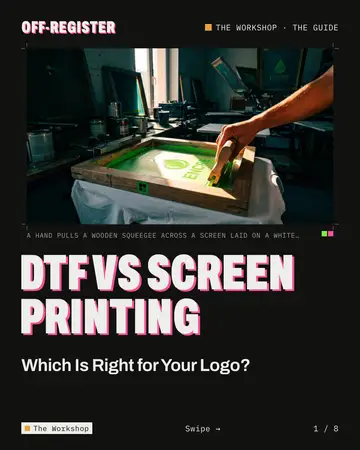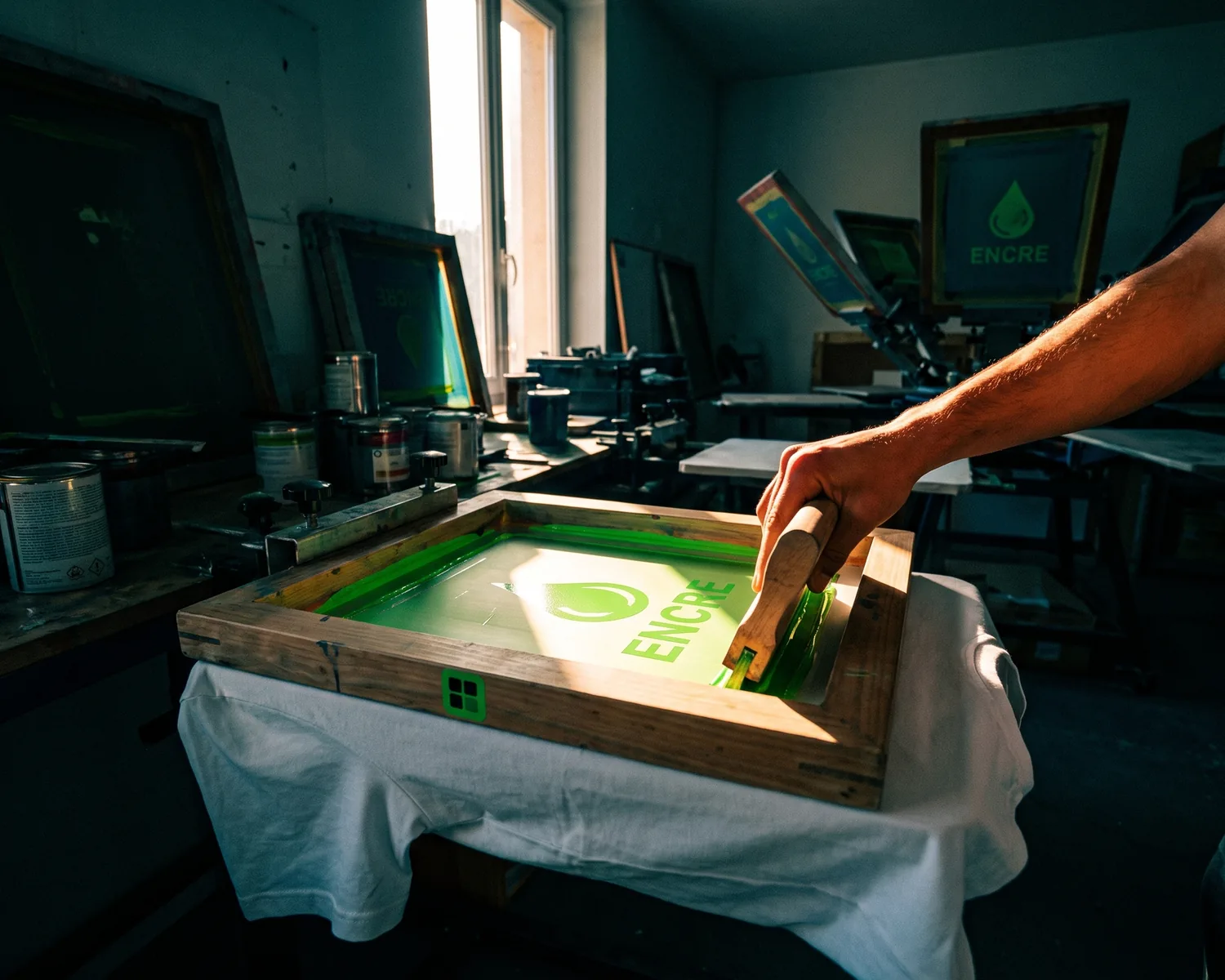
Proof 0074 · Depixelise illustration (generated image), fictional brand
DTF vs screen printing comes down to your logo and your order. Choose screen printing for a large batch of a logo in a few solid colors, since each color’s screen is made once. Choose DTF (direct-to-film) for short runs, gradients and full-color logos: it prints digitally on film.
| DTF (direct-to-film) | Screen printing | |
|---|---|---|
| Method | Printed digitally on film, then applied with a heat press | Ink pushed through a stencil on a mesh screen, one screen per ink |
| Colors and gradients | CMYK inks plus white, whatever the color count | One ink per screen; gradients and photos printed as halftone dots |
| Short runs | Suited to low-quantity jobs, nothing to build first | Screens prepared before the first shirt |
| Large batches | A transfer printed for every piece | Screens made once and reused across the run |
| Dark garments | White ink behind the colors, on the film | Opaque plastisol, or a white base printed first |
| Feel | A plastic-feeling layer on the surface | Plastisol on the surface; water-based ink soaks in, softer |
| Fine detail | Suited to fine detail | Finer mesh for more delicate detail |
| Logo file | Transparent PNG, large enough, or a vector file (drawn as shapes, not tiny colored squares) | Vector file, one flat color per ink |
DTF vs screen printing: what is the difference?
The difference between DTF and screen printing is how the ink reaches the shirt: screen printing pushes ink through a stencil, one screen per color, while DTF prints the whole design on a film that is then heat-pressed onto the garment.
In screen printing, also known as silkscreening, ink is forced through a mesh that a stencil blocks everywhere except the design. Each color gets its own pass and its own screen, and every screen is ready before the first shirt; our screen printing logo guide shows how a shop makes them.
Direct-to-film printing needs no screen, whatever the number of colors: an inkjet prints the whole design, white backing included, and each step from film to press is covered in DTF vs DTG.
How many colors can your logo have with DTF or screen printing?
With DTF, the number of colors in your logo doesn’t change the setup, because every shade comes from the same four inks plus white; with screen printing, each color needs its own screen. Wikipedia’s spot color page adds that each extra spot color (one ink, one run) raises the cost and the risk of problems.
For gradients, soft shadows and photos, screen printing changes method. In four-color process, the artwork is split into cyan, magenta, yellow and black and printed from four screens as halftone dots of varying size or spacing, which the eye reads as smooth tones. Those inks have to blend and are more translucent, which Wikipedia says costs some vibrancy. On DTF film, a gradient prints like the rest. Screen printing has effects of its own, though: Wikipedia lists puff, glitter and metallic inks, and foil.
Is DTF or screen printing better for small orders?
DTF is usually the better fit for small orders, because nothing has to be built before the first print: citing industry analysis, Wikipedia’s DTF entry frames it as “complementary to screen printing,” especially for “fine detail and low-quantity jobs.”
Screen printing front-loads its work: screens are made before printing and cleaned afterward, the “long setup or clean-up process” that Wikipedia’s DTG entry says direct-to-garment printing avoids. That work is the same for any quantity, so on a short run it raises the cost per shirt.
Bulk orders are screen printing’s home turf: Wikipedia’s textile printing entry names it today’s most common technology, and its screen printing entry says automatic presses are much faster than manual ones. Where one method gets cheaper than the other depends on the shop, the colors and the garment, so ask for both quotes at the quantity you actually need.
Which works better on dark shirts, DTF or screen printing?
DTF and screen printing both cover dark shirts: DTF prints white ink behind the colors on the film, and screen printing uses opaque inks or a white underbase printed first. Plastisol, the most common garment ink, is particularly useful for opaque graphics on dark fabrics, Wikipedia says; water-based screen inks are often used on light cotton, with high-opacity versions for darker fabrics. Since every ink is printed through its own screen, that white underbase usually adds one screen to your count.
Which feels softer and lasts longer, DTF or screen printing?
A screen print in water-based ink usually feels softer than DTF, while plastisol screen prints and DTF transfers both sit on the fabric’s surface; no independent source settles which lasts longer in the wash.
According to Wikipedia, water-based ink can feel soft since it penetrates the fabric rather than forming a thick layer, whereas plastisol stays on top of the fibers with a raised, plasticized texture. Comparing DTF with sublimation, the encyclopedia mentions “a plastic feel” sitting on the garment instead of blending in. Published wash figures come from shops and machine makers; ask your shop for care instructions.
Which holds finer detail, DTF or screen printing?
DTF and screen printing can both hold fine detail: screen printing gets it from a finer mesh, which Wikipedia says is chosen for designs needing more delicate detail, while DTF’s detail depends on the printer and on the resolution of your file. For hairlines or tiny lettering, ask for a proof either way.
DTF or screen printing: which fits your logo order?
DTF or screen printing for your logo depends on three things: how many pieces, how many colors, and how exact the color must be.
- A one-color club logo on a large batch of cotton tees. Screen printing: a single screen serves every shirt, and plastisol stays opaque on dark fabric too.
- A full-color logo with a gradient on ten hoodies. DTF: no screens to build, whereas screen printing would break the gradient into halftone dots.
- A two-color logo whose red must match your Pantone reference, on staff polos. Screen printing, with each ink mixed to the reference, if the order is big enough to justify two screens; on a handful of polos, DTF approximates the red, so ask for a proof.
- Event merch: tees, totes and hoodies with one logo. DTF: transfers printed in one batch, pressed item by item, with spares stored for the next event.
- Player names and numbers on a few jerseys. Look at heat transfer vinyl instead: cut from solid-color sheets, it handles plain lettering.
What file should you prepare for DTF and for screen printing?
For screen printing, prepare a vector file in flat colors, one color per ink; for DTF, a transparent PNG large enough for the print size does the job, and so does a vector file.
Screen printing. Each ink goes through its own screen, exposed from a film that carries only that ink’s shapes: printers call this color separation. A vector logo, built from shapes instead of tiny colored squares, already splits that way when drawn in flat colors: the shapes of one color make one film, at any size, since vector art “will print very crisply even when resized” (Wikipedia). Count your colors, one screen each plus any white underbase, and note each one’s Pantone reference (finding your Pantone number). Gradients and shadows will turn into halftone dots, so swap them for flat colors if you’d rather avoid that; for a photo-style design, the shop can still make the separations from a pixel image.
DTF. A PNG works, as it does for DTG: the printer is an inkjet, and its raster image processor (the program that converts your artwork into the printer’s dot pattern) accepts pixel images as well as vector files. Make the background truly transparent, since DTF lays white ink under everything in the file, a stray white box included, and give the image enough pixels for the size it will print at: our t-shirt design size guide has the count per print area, and the print-ready logo checklist covers fonts and the rest.
How can you compare a one-ink and a full-color version on a shirt?
You can compare both versions of your logo on a shirt in our free mockup generator: its Print color setting switches the logo between Original, Black and White.
Original keeps your colors and gradients, like a full-color DTF transfer; Black or White flattens the logo into one ink, like a single-screen print. On a dark garment, a logo in one dark color turns White by itself until you choose. Try a Hoodie, T-shirt, Sweatshirt or Tote bag in nine colors or any hex code, in photo or 3D. The file is read on your device and only leaves it if you request the HD mockup by email. It shows contrast and proportion, not halftone dots or how the ink feels.
From one JPG, a file for the screen and one for the film
Starting from a JPG, a screenshot or a small PNG, Depixelise produces both kinds of files this comparison calls for, and it costs nothing: 100% free, no account, no watermark. Send it a file up to 10 MB in JPG, PNG, WebP or SVG, and in roughly ten seconds your logo comes back in a large preview, rebuilt as shapes, background removed, ready to zoom in on.
Your inbox gets four files, one per job: the SVG for the screen printer, a transparent-background PNG 2,000 pixels across for a left-chest DTF logo (the SVG for anything bigger), an all-black version for one-ink printing, and a white negative for dark shirts. Both single-ink versions paint every color in that one ink, so lettering set on a colored shape merges with it: check those two before they go to the shop. Pantone references are yours to add. A tiny source image is enlarged before its shapes are rebuilt, so zoom in on the lettering before you order.
FAQ
Are DTF transfers the same as screen printed transfers?
DTF transfers and screen printed transfers both go on with a heat press, but they’re made differently: DTF is printed digitally on film, in full color over a white backing, while a screen printed transfer goes through screens, one per ink, in an ink such as plastisol. Wikipedia’s heat press entry lists plastisol transfers among the common transfer types.
Can DTF match a Pantone color exactly?
DTF can come close to a Pantone shade without mixing it: it builds every color from cyan, magenta, yellow and black (process color), while a spot color is one ink mixed to the reference. Spot colors are often specified for logos and brand identity because they match consistently across presses and suppliers, Wikipedia notes. If the shade matters, ask for a proof.
What is discharge printing?
Discharge printing is a screen printing technique that removes the dye from the fabric instead of covering it. Wikipedia says it only works properly on dark 100% cotton, leaves a natural soft feel, and serves as an underbase on dark garments printed with plastisol on top; on blends, the amount of dye removed varies, so check with your shop.
Why do some screen prints crack?
A screen print can crack when its ink wasn’t fully cured, Wikipedia’s screen printing entry notes, as opposed to the cracking ink some designs use on purpose. Plastisol never dries on its own: heat cures it. If a new shirt cracks after a few washes, show it to the shop.
How to make it
See your logo on the garment
T-shirt, hoodie, sweatshirt or tote bag, in the color you want. Free, no sign-up.
Make my mockupSources and credits
Credits
Depixelise illustration (generated image), fictional brand